You probably wake up every morning with a plan. You promise yourself that today is the day you finally clear the deck. Then, reality hits. A flood of emails, back-to-back meetings, and the constant ping of notifications turn your schedule into a crime scene. If you feel like you are drowning in tasks, you are not alone.
To reclaim your focus in 2026, you need high-performance time management tools that actually do the heavy lifting. We have moved past simple checklists. Today, the best software uses artificial intelligence to predict your needs and automate your focus.
The secret to winning back your life is not working harder. It is working smarter by choosing the right tech stack. I have scoured the latest releases and tested the most viral productivity hacks to bring you this definitive list. Here are the 8 best options to help you master time management and get your life back on track.
Flow: The Voice-First Revolution
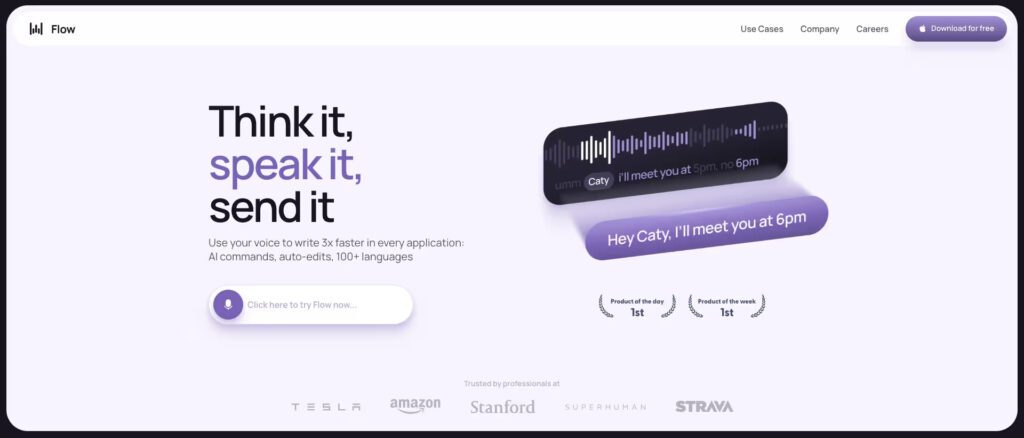
Most of us spend hours typing. Whether it is an email, a Slack message, or a project update, the keyboard is often a bottleneck. Flow changes the game by letting you talk rather than type. It is a productivity-first dictation tool that creates perfectly structured text from your voice.
In 2026, speed is the only currency that matters. Flow allows you to respond to messages four times faster than typing. It learns your specific tone and writing style, so your messages never feel like they were written by a robot. If you are a busy professional who lives in a fast-paced environment, this is one of the most essential tools for time management available right now. You can capture ideas while walking or reply to an urgent email while grabbing coffee. It keeps you moving without sacrificing clarity.
Notion: Your Digital Second Brain
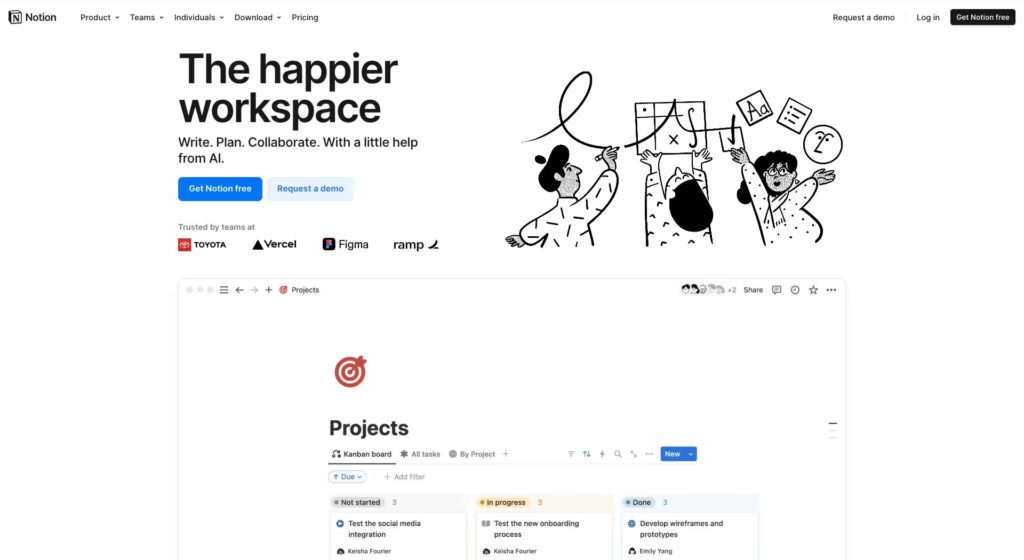
If your notes are scattered across three different apps, you are losing hours every week. Notion has evolved into the ultimate all-in-one workspace. It is no longer just a place to write. It is a powerful engine that stores your documents, tracks your projects, and manages your personal wikis.
The latest 2026 updates have introduced AI-powered databases that categorize your information automatically. You can build custom workflows that fit your exact needs. Whether you are managing a marketing campaign or planning a family vacation, Notion keeps everything in one place. It reduces the “context switching” tax that kills your productivity. When everything lives in one central hub, you stop searching for information and start acting on it.
Routine: The Daily Architect
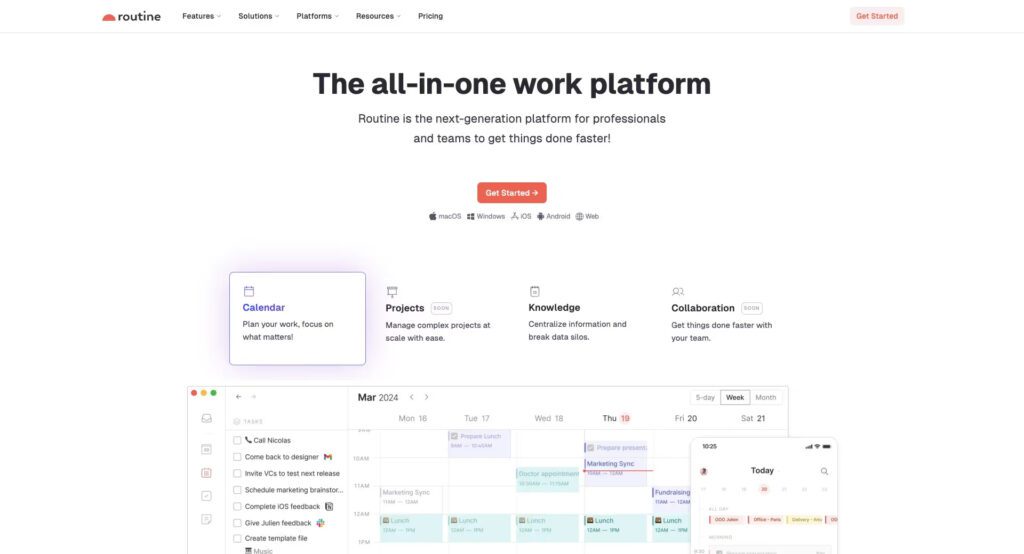
Most calendar apps are passive. They show you where you need to be, but they do not help you get there. Routine is different. It is a calendar-focused task manager that bridges the gap between your to-do list and your schedule.
One of its best features is the natural language capture. You can hit a keyboard shortcut and type “Call the team at 3 pm on Friday,” and Routine handles the rest. It puts the task in your inbox and reminds you when the time comes. This tool helps you practice time blocking effectively. You can drag tasks directly onto your calendar to ensure you have dedicated space for deep work. It makes your daily schedule feel intentional rather than accidental.
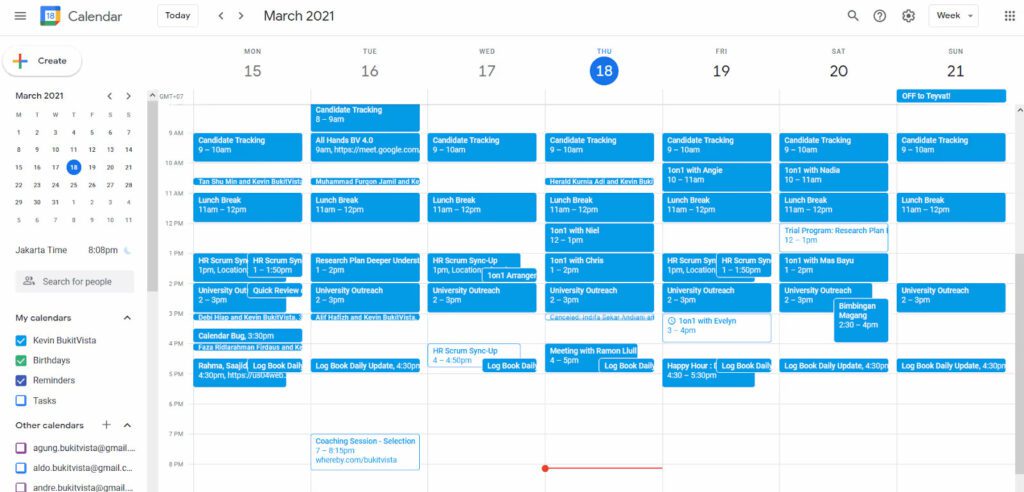
Google Calendar: The Reliable Foundation
You might think you know Google Calendar, but the 2026 version is a powerhouse of automation. It remains the gold standard because it integrates with almost every other app on this list. The new “Focus Time” feature is a lifesaver. It automatically declines meeting invites during your deep work windows and silences your notifications across the Google ecosystem.
Google Calendar is simple, free, and incredibly effective for time management. You can share your availability with a single link, which eliminates the endless back-and-forth of scheduling. It also uses smart suggestions to find the best times for meetings based on everyone’s past habits. It is the backbone of a professional’s day, ensuring you never miss a beat while protecting your most valuable asset: your time.
Raycast: The Command Center
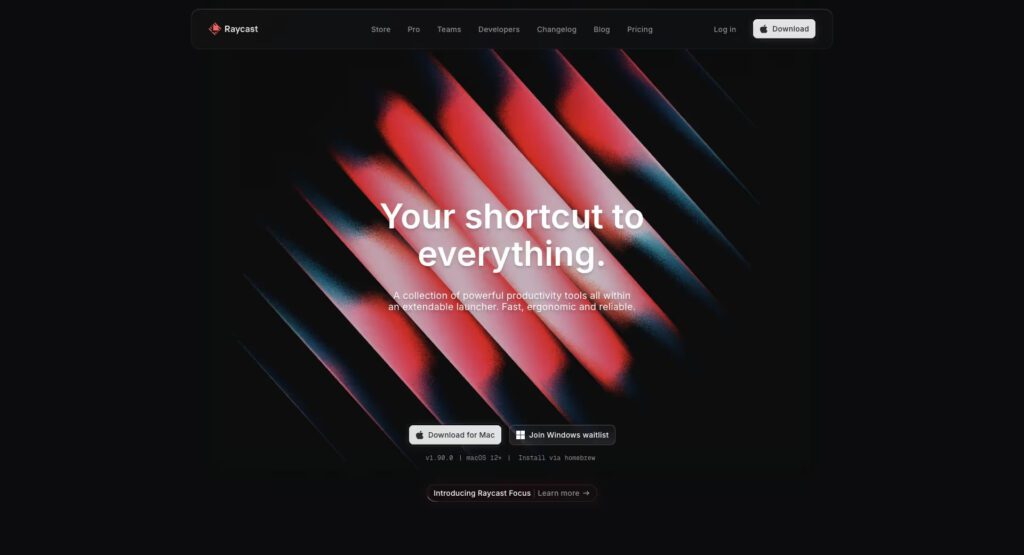
If you use a Mac, Raycast is the upgrade you did not know you needed. Think of it as a supercharged replacement for Spotlight. It allows you to control your entire computer through simple keyboard commands.
You can use Raycast to search your Google Drive, start a focus timer, or even send a Slack message without ever opening those apps. It features a massive library of community-built extensions that connect to tools like Notion, GitHub, and Jira. By keeping your hands on the keyboard and avoiding the mouse, you save seconds that add up to hours over a month. It is the ultimate tool for anyone who wants to refine their personal workflow and eliminate digital friction.
Forest: Gamify Your Focus
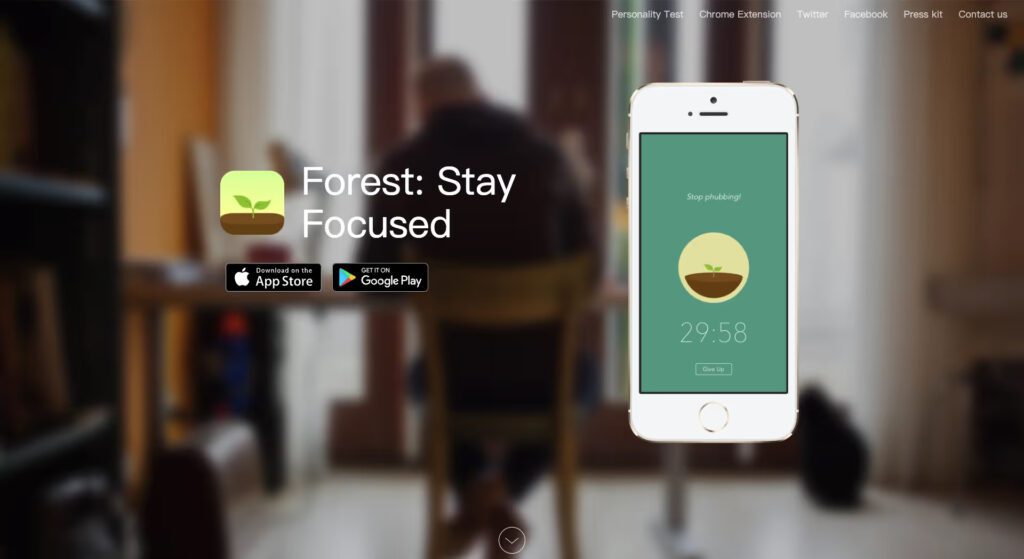
Sometimes, the biggest obstacle to productivity is your own phone. We have all been there. You pick up your phone to check one thing and end up scrolling for twenty minutes. Forest solves this by turning focus into a game.
When you want to concentrate, you plant a virtual tree in the app. As long as you stay away from your phone, the tree grows. If you leave the app to check social media, your tree dies. It sounds simple, but the psychological impact is real. Over time, you build a lush forest that represents your hard work. Even better, the company partners with real-world organizations to plant actual trees when you spend enough time focusing. It turns a chore into a mission.
Any.do: Personal Task Mastery
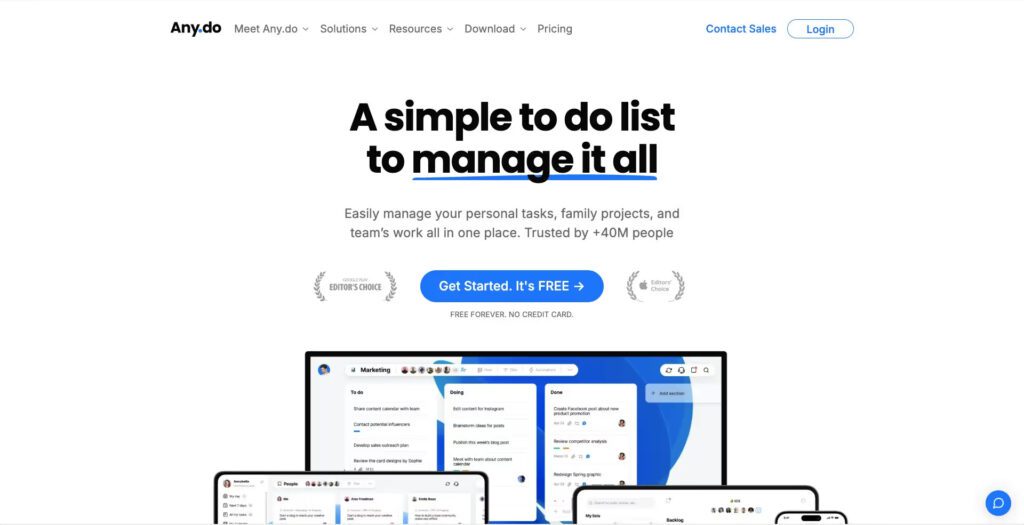
Managing a team is one thing, but managing your own life is another. Any.do is the perfect companion for your daily personal tasks. It features a clean, minimalist design that does not overwhelm you with features you do not need.
The “Daily Review” feature is particularly powerful. Every morning, the app prompts you to look at your tasks and decide what to tackle today, what to postpone, and what to delete. This simple ritual keeps your list from becoming a graveyard of forgotten ideas. It also includes a robust habit tracker. If you want to drink more water or start a morning meditation routine, Any.do keeps you accountable. It is one of the best time management tools for people who want a clear, stress-free view of their day.
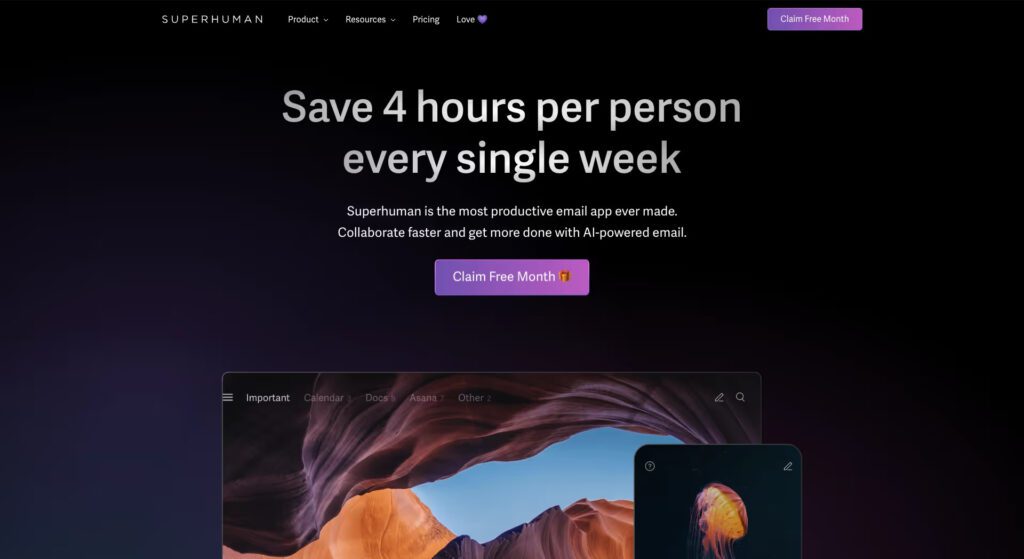
Superhuman: Email at Warp Speed
Email is the place where productivity goes to die. The average professional spends years of their life just clearing their inbox. Superhuman is designed to end that cycle. It is the fastest email experience ever built.
With advanced keyboard shortcuts and AI-driven summaries, you can fly through your messages. It uses a “Split Inbox” system that separates important messages from newsletters and automated alerts. This ensures you only see what matters most when you are in “work mode.” The tool also features a “remind me later” function that clears an email from your view until you are actually ready to handle it. If you want to reach “Inbox Zero” every single day, this is the tool you need.
How to Choose the Right Setup
You do not need all eight of these tools for time management to be successful. In fact, trying to use too many apps can actually create more work. The key is to identify your biggest pain point.
Do you spend too much time typing? Get Flow. Is your schedule a mess of overlapping meetings? Switch to Routine or Google Calendar. Are you constantly distracted by your phone? Install Forest. Start with one or two tools that solve your immediate problems. Productivity is a journey, not a destination.
Final Thoughts
Mastering your schedule is not about becoming a machine. It is about creating space for the things that actually matter. We often get caught up in the “busy trap” where we mistake activity for achievement. Using these time management tools permits you to step back from the chaos. When you automate the mundane tasks and organize your digital world, you reduce the mental load that causes burnout.
The best productivity system is the one you actually use. Do not feel pressured to adopt every new piece of software that trends on social media. Instead, look for the friction in your day. If you find yourself doing the same task over and over, automate it. If you find yourself forgetting deadlines, centralize your notifications.
Remember that time is your only non-renewable resource. You cannot earn more of it, but you can certainly spend it more wisely. By integrating these tools for time management into your workflow, you are making an investment in your future self. You are choosing to spend less time managing your life and more time living it. So, pick one tool from this list today and give yourself the gift of an extra hour tomorrow. You have the tech and the plan. Now, it is time to go out there and make it happen.