If you run a Facebook Page for your business or your clients, you may have noticed something new: Facebook now limits how often you can share a link. For many business Pages, that limit is two link posts a month. Want more? Meta would like you to subscribe to Meta One for Business.
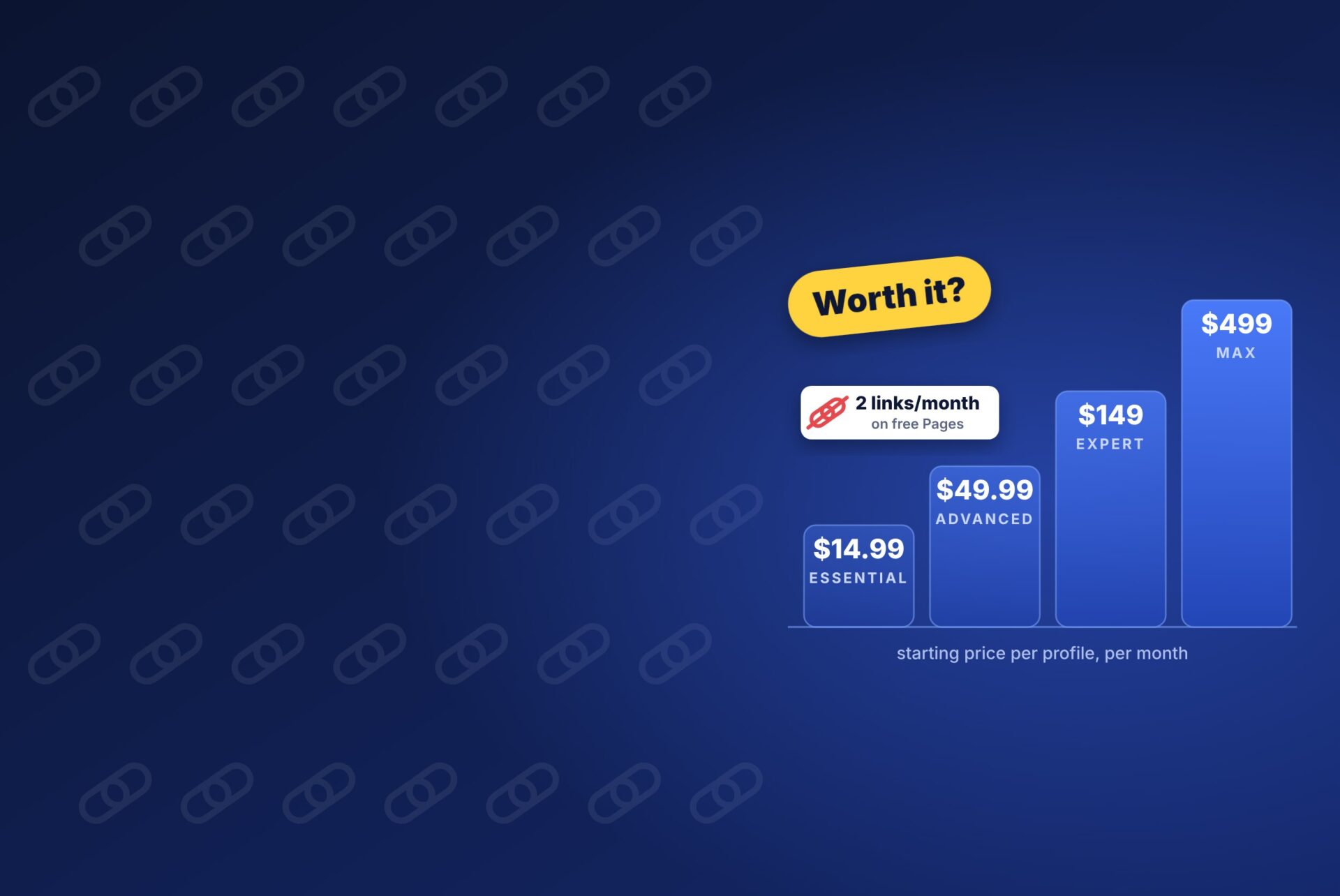
Meta launched Meta One on September 15, 2026. It bundles verification, scheduling, analytics, support, and link allowances into four paid plans, with starting prices from $14.99 to $499 a month. This guide explains what each plan includes, how the new link limit works, and whether paying makes sense for a small business, a freelancer, or a remote marketing team.
What is Meta One for Business?
Meta One is Meta’s new subscription across Facebook, Instagram, and WhatsApp. There are two consumer plans (Core and Premium) and four plans for creators and businesses: Essential, Advanced, Expert, and Max.
The business plans do three main things:
- Verification and protection. A verified badge (once Meta confirms your identity) and impersonation protection, similar to what Meta Verified offered.
- Tools that used to be free or didn’t exist. Longer scheduling windows, exportable analytics, audience insights, team access without sharing passwords, and human support cases.
- Allowances. More link posts on Facebook, the ability to add links to Instagram posts and Reels, WhatsApp broadcast credits, and more use of Meta’s AI Business Agent.
One detail is easy to miss: prices are per Facebook Page, Instagram profile, or WhatsApp Business number. A business with a Page, an Instagram account and a WhatsApp number could pay up to three times the listed price. Meta One is available globally, but Meta says plans, benefits and pricing can vary by region, app and account.
Meta One business plans and prices
Starting prices in US dollars, per profile, per month, as listed in Meta’s announcement. Each plan includes everything in the plans below it.
| Plan | Starting price / month | Facebook link posts / month | Instagram links (posts + Reels) | Support | Best known for |
|---|---|---|---|---|---|
| Free (no plan) | $0 | 2 | None | None | Basic Page |
| Essential | $14.99 | 2 | None (link page with up to 20 links) | None | Verified badge and impersonation protection |
| Advanced | $49.99 | 8 | 4 + 4 | 1 case | 30-day story scheduling, analytics export, team access for 4 |
| Expert | $149 | 20 | 8 + 8 | 5 cases | Higher limits, team access for 8 |
| Max | $499 | Unlimited | 12 + 12 | Unlimited | Strategy call every six months, team access for 30 |
A few more details by plan:
- Essential adds an enhanced link page on Instagram and Facebook, one verified WhatsApp channel, and more access to the Meta Business Agent. It does not raise the Facebook link limit.
- Advanced is the first plan with real working tools: Facebook and Instagram posts scheduled up to a year ahead, Instagram bulk uploads, competitive and audience insights, a bold follow button, and 500 WhatsApp broadcast credits.
- Expert and Max raise the limits on links, team seats, support cases, and WhatsApp broadcasts for larger teams and agencies.
How the Facebook link limit works
Meta began testing the limit in December 2025 and widened it to more Pages after Meta One launched. Here’s what counts and what doesn’t:
Counts toward your limit
- Links in normal Page posts
- Links in comments posted by your Page
Doesn’t count
- Links in ads (paid campaigns are unaffected)
- Links to Instagram, WhatsApp, or Threads
- Affiliate links set up through Facebook’s affiliate partnerships
- Extra links in the comments of a post that already has a link
The free allowance resets on the 1st of each month; a paid allowance resets on your renewal date. Publisher Pages are exempt, and Meta says the limit may not apply to every Page, so check your own Page before deciding.
Is Meta One for Business worth it?
For most small businesses and freelancers, not yet, unless you need one specific feature. Paying won’t necessarily get your posts seen by more people. Meta hasn’t said subscribers get better reach, and link posts may stay just as limited in the feed. Meta ads expert Jon Loomer expects few people to pay $49.99 a month just to share links.
Here’s a simple way to decide:
| If you… | Consider | Why |
|---|---|---|
| Mainly want the blue badge and protection from copycat accounts | Essential ($14.99) | It’s the cheapest way to get verified, but remember it doesn’t add link posts |
| Manage social for a business with a small team and need scheduling, exports and a human to contact when things break | Advanced ($49.99) | Support cases and team access without sharing passwords are worth more than the links |
| Run a busy WhatsApp Business line | Advanced or Expert | Broadcast credits and extra linked devices pay for themselves if WhatsApp drives sales |
| Are an agency or large brand posting links daily | Expert or Max | You’ll hit the free limit in days; unlimited Facebook links and support start at Max |
| Post a few times a week and mostly run ads | Stay on the free plan | Ad links don’t count toward the limit |
What to do instead of paying
If you’re staying on the free plan, the link limit is manageable with a few habits:
- Save your two links for your best content each month, such as a new product, a launch, or a big article.
- Post without links the rest of the time. Share the key points as text, images, or Reels, and point people to the link in your bio or Page button.
- Put extra links in the comments of a post that already has one. Those don’t count against your allowance.
- Boost posts that deserve the click. Links in ads aren’t limited, and a small boost often beats a subscription for occasional traffic.
- Build channels you own. An email list or WhatsApp channel reaches people without depending on Facebook’s rules.
If you manage Pages for clients, tell them about the limit before they notice traffic dropping. Then agree on which posts get the links each month.
Frequently asked questions
How much does Meta One for Business cost?
Meta lists starting prices of $14.99 a month for Essential, $49.99 for Advanced, $149 for Expert, and $499 for Max. Prices are per Facebook Page, Instagram profile, or WhatsApp Business number, and can vary by region.
How many links can a Facebook Page post for free?
Many non-paying business Pages can now share two link posts a month. Links in ads, links to Meta’s own apps, and extra links in the comments of a post that already has a link don’t count.
Does Meta One replace Meta Verified?
The Essential plan includes a verified badge and impersonation protection, much like Meta Verified. For now, Meta says nothing changes for existing Meta Verified subscribers.
Will Meta One give my posts more reach?
Meta hasn’t said that subscribers get more reach. Paying raises your link allowance and unlocks tools, but it doesn’t promise that more people will see your posts.
Do the link limits affect Facebook ads?
No. Links in ads don’t count toward the monthly limit, so paid campaigns work as before.
The bottom line
Meta One for Business turns features that used to be free, like regular link sharing, into paid extras. For most freelancers and small businesses, the free plan plus a smarter posting routine is enough. Pay for Essential if you want verification. Look at Advanced only if support, scheduling, and team access will save you real hours each month.
Working with clients and teammates across countries? Our free TimeBridge time zone planner shows everyone’s working hours on one screen, so your next strategy call lands at a sensible time for everyone.
Sources: Meta, TechCrunch, Jon Loomer, Social Media Today, Blotato.
Prices checked October 8, 2026