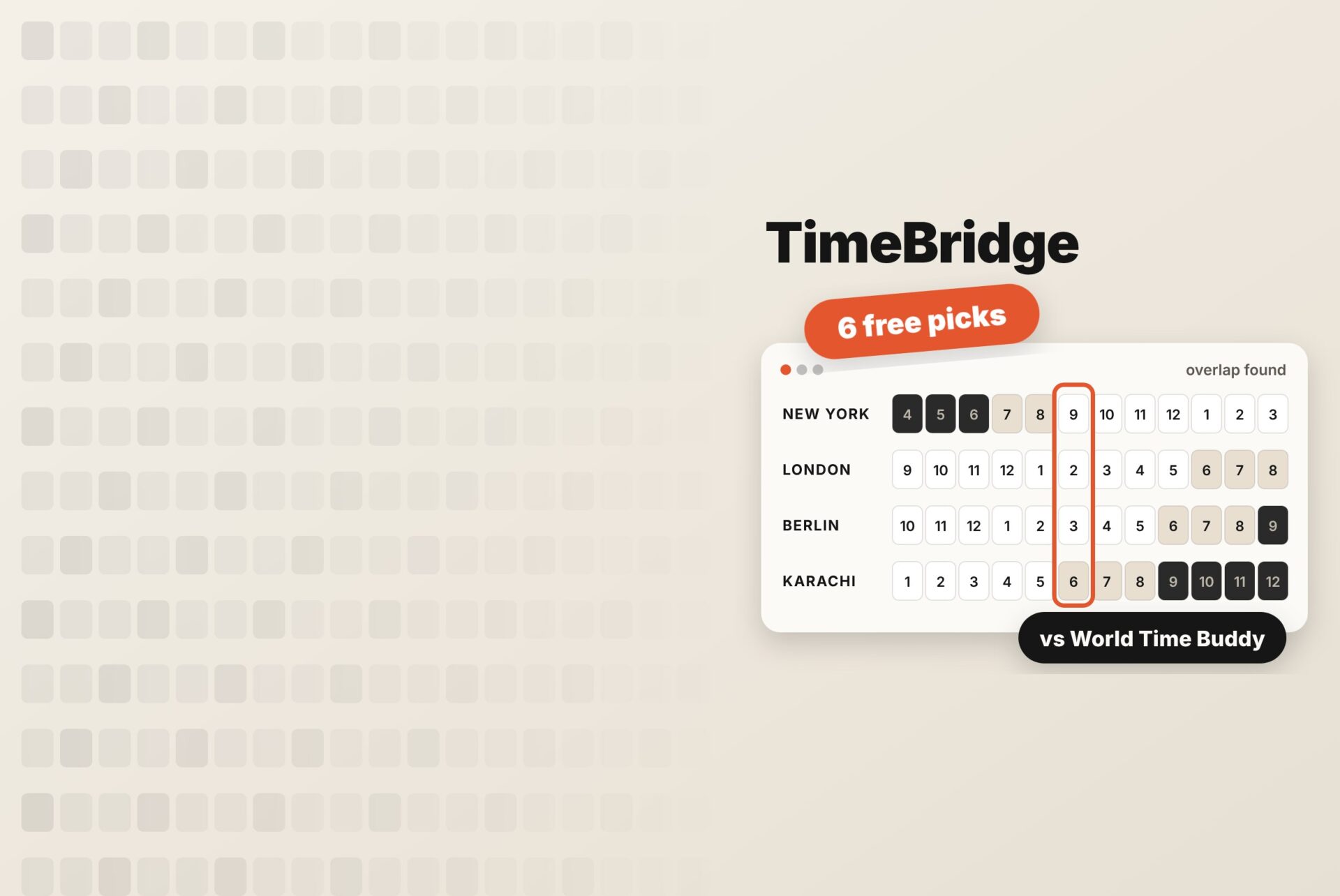
World3 Time Buddy has been the go-to time zone converter for years, and for good reason. You line up a few cities, hover over an hour, and see what time it is everywhere at once.
But it isn’t the only option, and it isn’t always the best fit. Some people want a tool that works without signing in. Some need a picker for a specific date months ahead. Others want something that lives in their Mac’s menu bar, or a simpler view for one quick call with a client.
If you’re looking for a World Time Buddy alternative, this guide compares six free time zone planners: what each does well, where it falls short, and who it suits. One of them, TimeBridge, is built by us at What Works Next. We’ve included it because it belongs on the list, and we’re upfront about what it does and doesn’t do.
What to look for in a time zone planner
Before comparing tools, it helps to know what matters for meeting planning, as opposed to just checking the time:
- Several cities in one view. You should see every participant’s local time side by side, not convert one pair at a time.
- Working hours at a glance. Shading or colour that shows business hours, evenings and nights saves you from booking someone at 2 a.m.
- Automatic daylight saving. The tool should apply each country’s clock changes for you. (Our daylight saving guide shows how much this matters every autumn.)
- Calendar handoff. Once you find a slot, sending it to Google Calendar or Outlook should take one click.
- Low friction. For a quick check, no sign-up, no install, and no clutter.
World Time Buddy alternatives at a glance
| Tool | Works on | Price | Sign-up needed | Calendar handoff | Best for |
|---|---|---|---|---|---|
| TimeBridge | Any browser | Free | No | Google Calendar | Quickly finding today’s overlap for a remote team |
| timeanddate.com Meeting Planner | Browser; iOS app ($4.99) | Free on the web | No | .ics file (Outlook, Apple Calendar, Thunderbird) | Planning a meeting on a specific future date |
| Every Time Zone | Browser, mobile web | Free; paid Pro tiers | No | Share link; calendar export on Pro | A clean visual slider across several days |
| Time.is | Browser; iOS app | Free with ads; ad-free option | No | None | Checking exact time and comparing cities |
| Savvy Time | Browser; iOS, Android, Chrome extension | Free | No | Calendar options | Converting by abbreviation (EST, PST, IST) and sharing links |
| Clocker | macOS menu bar | Free | No | Reads Apple Calendar | Mac users who want time zones one click away |
For reference, World Time Buddy itself runs in the browser, on mobile, and as a Chrome extension. It is free to use, offers a free account for saving settings, and connects to Google Calendar, Outlook, and iCal.
The 6 best World Time Buddy alternatives
1. TimeBridge: best for finding overlap fast, with no sign-up
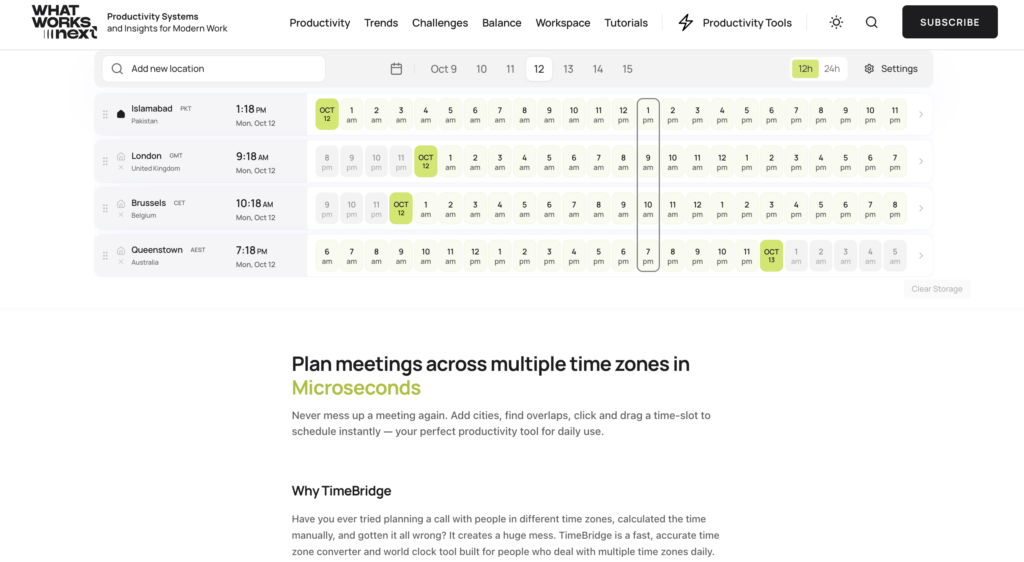
TimeBridge is a free time zone meeting planner that runs entirely in your browser. You type in the cities, countries, or regions your team works from, and they appear on one timeline. Hover across the hours to compare local times, then click or drag to select a slot. A Google Calendar button appears so you can create the event with the right time zone.
What it does well
- No account, no download, no ads to click past
- Daylight saving applied automatically for every location
- Weekend highlighting, so you can see when a late call lands on someone’s Saturday
- 12- or 24-hour format
- Your cities and settings are saved in your own browser, and nothing is sent to a server
Good to know: TimeBridge is new (we launched it in October 2026) and focuses on live, current-day comparison. If you need to plan a meeting for a specific date months away, the timeanddate.com Meeting Planner below is the better pick.
2. timeanddate.com Meeting Planner: best for a specific future date
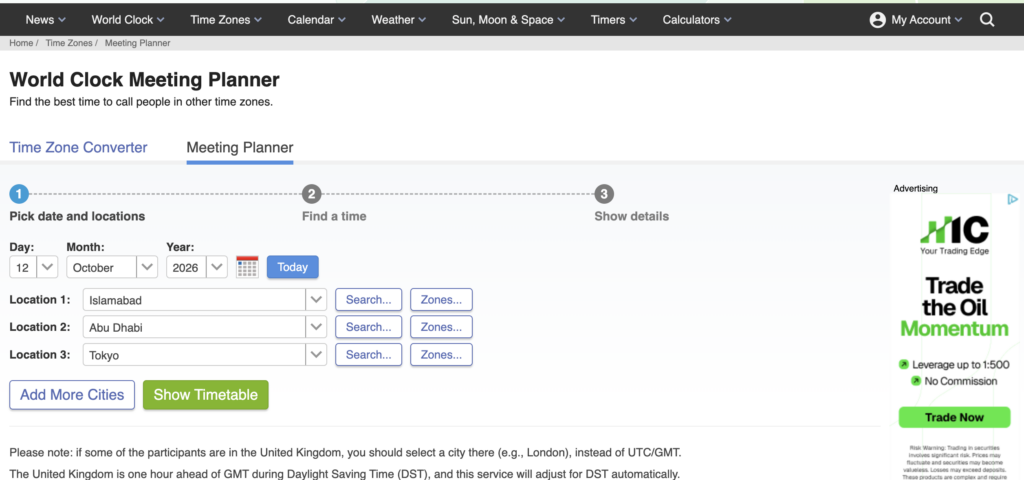
The timeanddate.com Meeting Planner works differently. You choose a date first, add your locations, then generate a colour-coded timetable showing which hours suit each city. It handles daylight saving automatically and marks locations that are on summer time that day. Weekends get their own colour.
Once you pick a slot, “Add to Calendar” downloads an .ics file that works with Outlook, Apple Calendar and Thunderbird. The web version is free. The iOS app costs $4.99 and adds public holidays to its suggestions; the web planner doesn’t account for holidays.
Good to know: it’s a form-and-results tool rather than a live, draggable timeline, so it’s slower for quick checks.
3. Every Time Zone: best visual slider
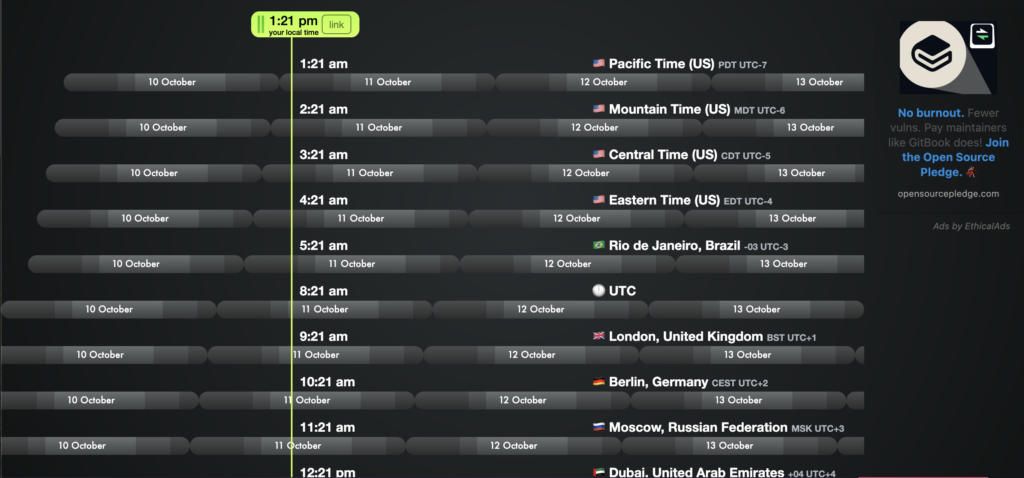
Every Time Zone is the closest in spirit to World Time Buddy. A simple timeline shows a list of zones, and you slide across it to see how times line up across several days. Its tagline sums it up: “Never warp your brain with time zone math again.”
You can share a link to a specific time. Paid tiers (Meetings Pro and People Pro) add features such as calendar export and tracking people by location.
Good to know: the free version is great for a glance, but some of the most useful scheduling features sit behind Pro.
4. Time.is: best for exact time and quick city comparisons
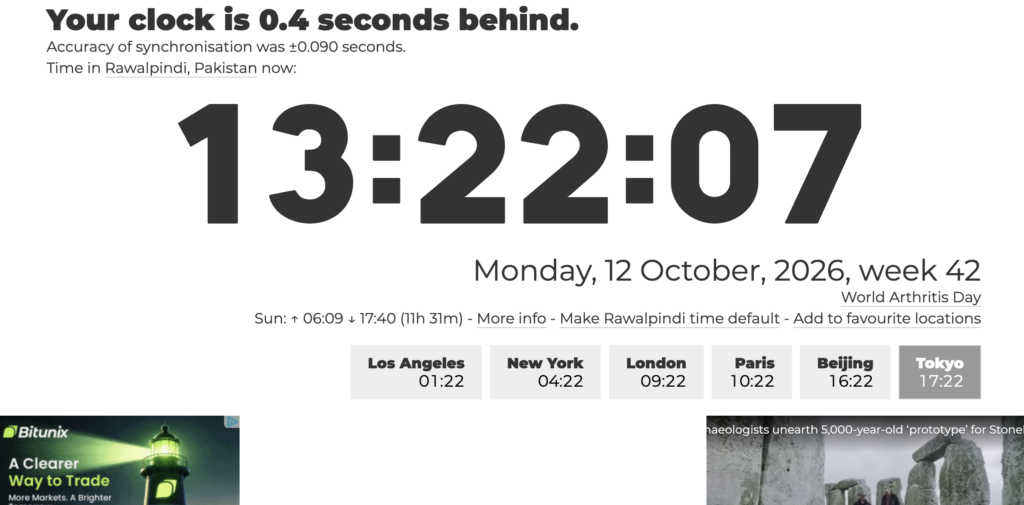
Time.is is known for showing the exact time, synchronised with atomic clocks, for more than 7 million locations in 59 languages. Its “Time here & there” feature lets you compare several cities side by side, and it also has DST information, countdowns, and week numbers.
Good to know: it’s a clock first and a planner second. There’s no working-hours view or calendar handoff, and the free version shows ads (an ad-free option is available).
5. Savvy Time: best for converting by time zone abbreviation
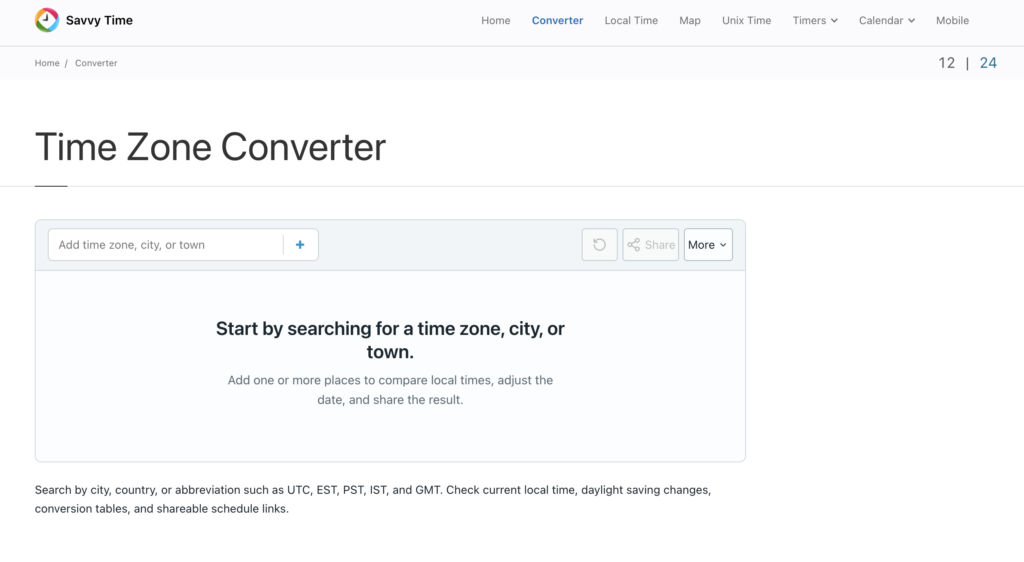
Savvy Time lets you search by city, country, or abbreviation (UTC, EST, PST, IST, GMT) and compare several zones in one view. You can change the date or time to plan ahead, switch between 12- and 24-hour formats, and share a permanent link with everyone involved. It also has iOS and Android apps and a Chrome extension.
Good to know: it’s strongest as a converter. If you mainly want to see shared working hours, a timeline tool is quicker to read.
6. Clocker: best for Mac users
Clocker lives in the macOS menu bar. Add cities with your own labels, then drag a scrubber in 15-minute steps to see how times line up, with day and night shading. It reads your Apple Calendar with no setup, lets you join Zoom, Meet or Teams calls in one click, and syncs through iCloud.
Good to know: it’s Mac-only, so it won’t help teammates on Windows or phones.
Which World Time Buddy alternative should you use?
- You need to find a time for today or this week, fast: TimeBridge. Add cities, see the overlap, send it to Google Calendar.
- You’re planning a meeting on a set date weeks ahead: timeanddate.com Meeting Planner.
- You like a sliding timeline across several days: Every Time Zone.
- You mostly convert between abbreviations like EST and IST: Savvy Time.
- You just want the exact time somewhere: Time.is.
- You live on a Mac and want it in the menu bar: Clocker.
Many remote workers end up using two: a quick visual planner for day-to-day calls and a date-based planner for big events.
Frequently asked questions
Is there a free alternative to World Time Buddy? Yes. TimeBridge, the timeanddate.com Meeting Planner (web version), Every Time Zone’s free version, Time.is, Savvy Time, and Clocker can all be used for free.
Which World Time Buddy alternative works without signing up? All six on this list can be used without an account. TimeBridge saves your cities in your browser, so they’re still there when you come back.
Which time zone planner handles daylight saving time automatically? TimeBridge and the timeanddate.com Meeting Planner both apply each location’s daylight saving rules automatically, so you don’t have to adjust anything around the clock changes. Most dedicated time zone tools do the same, but it’s worth checking before you rely on one.
What’s the best world time calculator for remote teams? For seeing everyone’s working hours at once, use a timeline tool such as TimeBridge or Every Time Zone. For meetings tied to a specific date, use timeanddate.com’s Meeting Planner.
Can I send a meeting time straight to Google Calendar? Yes. In TimeBridge, select a time slot and click the Google Calendar icon that appears. World Time Buddy and timeanddate.com also offer calendar export.
Try TimeBridge for your next meeting
If World Time Buddy feels like more than you need for a quick check, give TimeBridge a try. It’s free, runs in your browser, needs no sign-up, and shows every teammate’s local time on one timeline.