
Are you one of those who are always on the lookout for how to work from home with high-paying remote jobs and opportunities? If yes, then you are not alone. Most of us are also, especially in this competitive economy, where having a secondary income stream has become a necessity.
When learning how to work from home, the most important lesson is that productivity does not stem from expensive gadgets. It starts from within and the mindset.
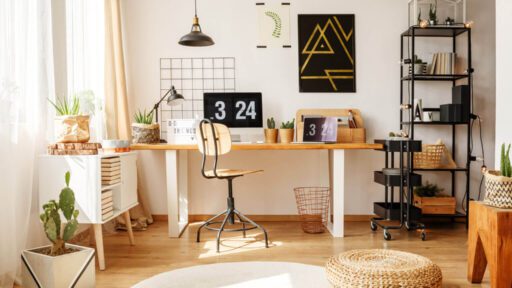
Your first home office setup can be as simple as a kitchen table, a laptop, and an old monitor. It is mostly the case with new work-from-home employees. This shows that while a proper work table and accessories can boost comfort, they are not the foundation of a focused mind for work. However, gradual improvements aligned with personal needs make remote work more manageable and healthier in all aspects.
Let’s break down some essentials for a decent home office setup 👇
Protecting Devices with Power Bars
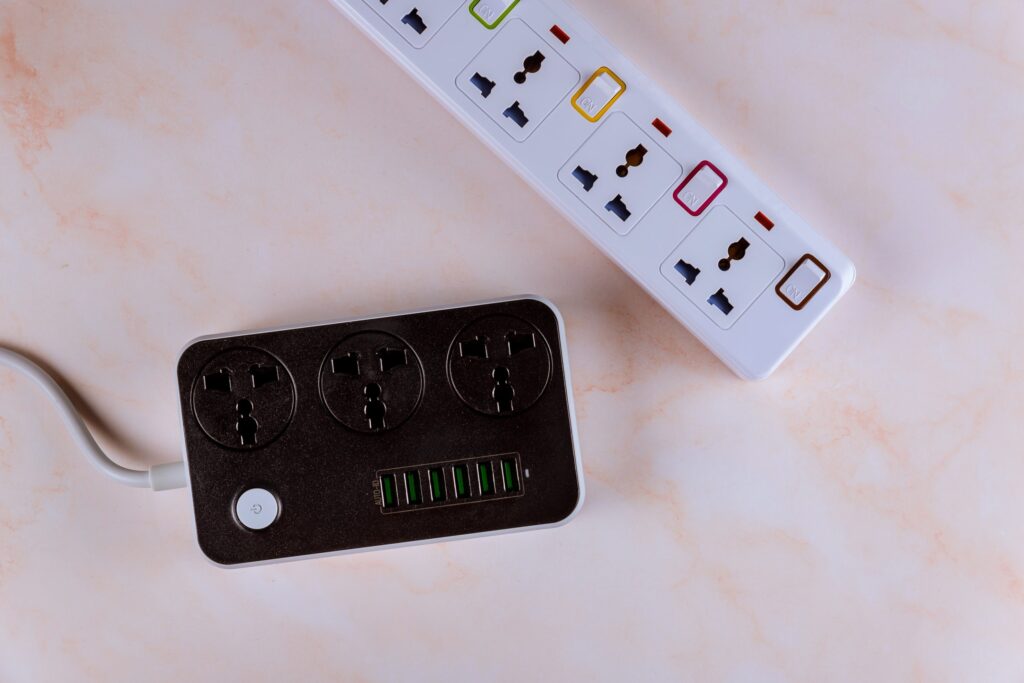
A surge protector power bar is one of the simplest yet most valuable additions to a workspace. Sudden and unannounced power surges can permanently damage laptops, monitors, and routers (this overburdens you with absolutely unnecessary expenses to repurchase the damaged equipment). According to the Insurance Information Institute, power surges cause an estimated $26 billion in damages annually in the U.S. alone.
Choosing a power bar with wide outlets prevents bulky chargers from blocking other sockets, while built-in USB ports make charging phones or headphones more convenient. You can also mount the bar to the wall to keep cables tidy and clutterfree around the work table.
Managing Cables the Right Way
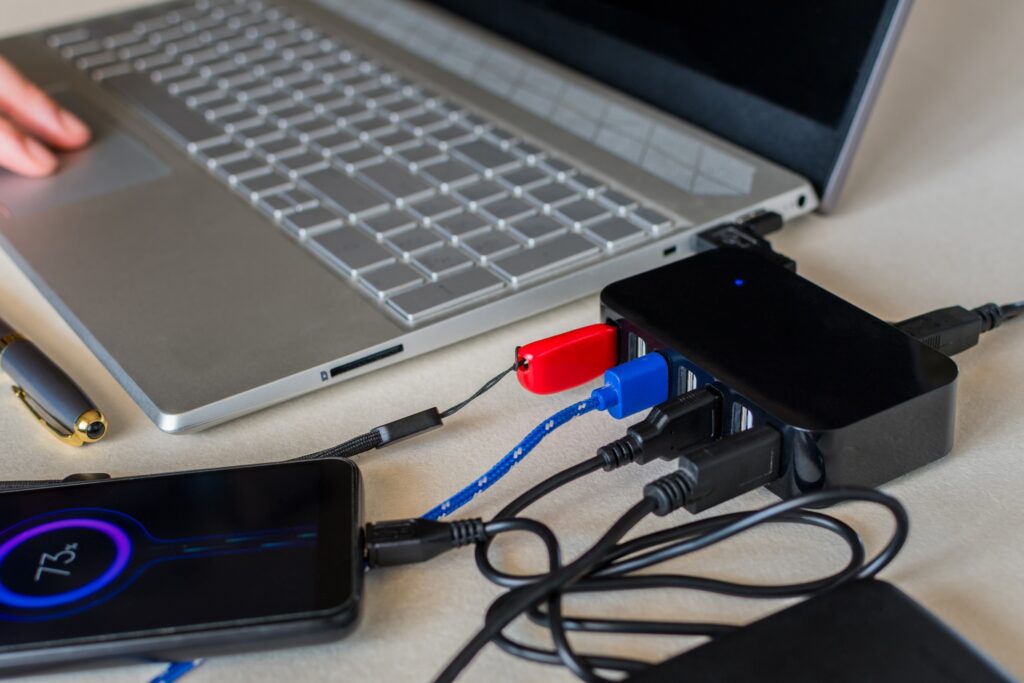
We live in a no-cable era, or let’s call it an era where wireless is preferred. Hence, cable management is not just about keeping the workspace clutterfree. Managing cables can reduce hazards and equipment strain, and can save your money, too.
If you are using cabled equipment, make sure your desk is at standing height. It ensures that cables have enough slack for all positions. If wires are too tight, they can weaken connections or even snap. Elevating the PC tower slightly above the ground also makes a difference. Research shows that dust is the number one cause of desktop overheating, and keeping devices raised reduces dust intake. Other tools, such as cable clips, Velcro ties, and under-desk trays, not only improve organization but also create a professional-looking home office setup.
Comfort Through Ergonomics
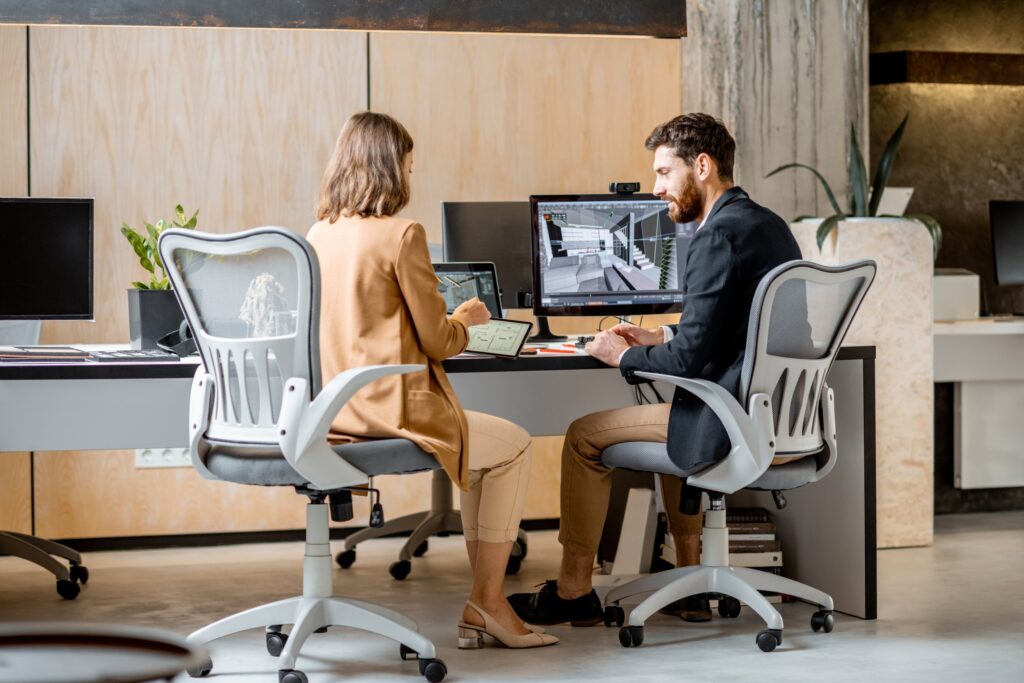
Comfort is central to learning how to work from home efficiently. Studies from Cornell University found that improper seating increases musculoskeletal disorders by 64% among office workers. Ergonomic chairs, with adjustable lumbar support and armrests, reduce back pain and improve posture during long sessions.
For those on a budget, models like the IKEA Marcus, Flexispot Chair, or Staples Hiken offer practical alternatives to high-end models and designs. Pairing any chair with a footrest improves blood circulation, while an anti-fatigue mat reduces strain for users of standing desks.
The American Chiropractic Association notes that good posture can increase energy levels by up to 30%, proving ergonomics is an investment in both health and productivity.
Screen Position and Accessories
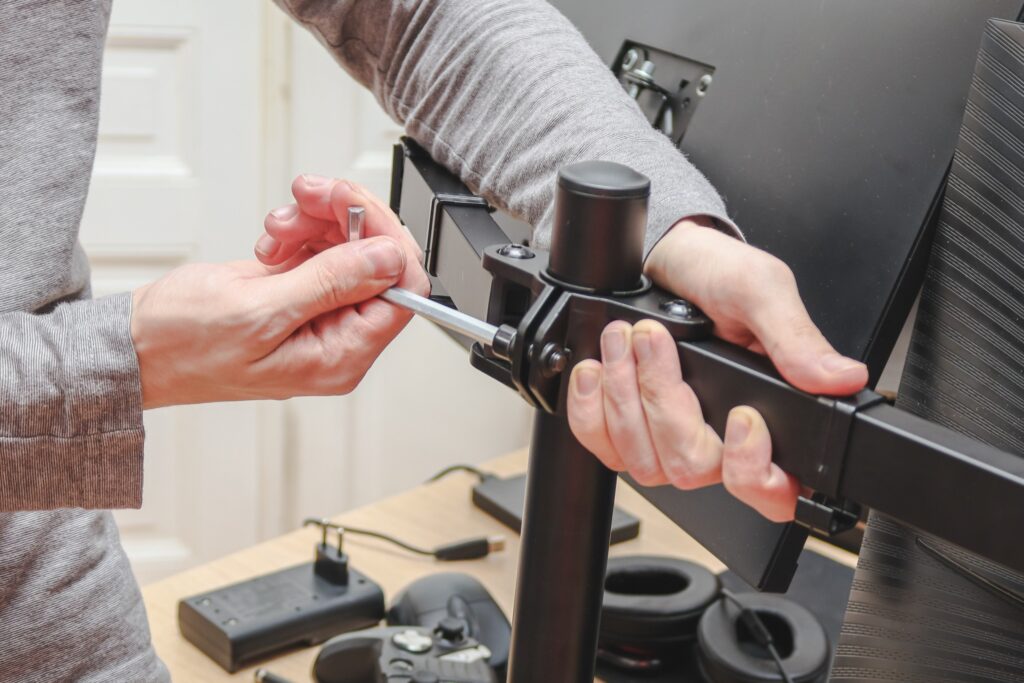
A poorly positioned monitor can cause neck pain and “tech neck,” which affects 70% of office workers worldwide, according to the British Chiropractic Association. Monitor arms allow screens to be set at the correct height and angle, helping reduce long-term strain.
Before investing in a monitor arm, make sure to measure the desk’s thickness to ensure the clamp fits securely. This small detail prevents frustration later on and ensures the workspace is safe and stable.
Correct screen positioning is one of the simplest changes to improve comfort in a home office setup.
Lighting and Eye Comfort

Lighting plays a bigger role than most realize. Let it be natural light or use the right angles if artificial light is available within your workspace. Poor lighting contributes to digital eye strain, affecting 90% of people who use screens for more than three hours daily, according to the American Optometric Association. How can you lessen the effects of this issue? A monitor light bar is an excellent solution, reducing glare and preventing reflections while keeping the workspace bright.
Natural light during the day also has proven benefits. Harvard research shows that workers in naturally lit environments report 51% less eyestrain and 63% fewer headaches. Combining natural light with smart desk lighting creates a healthier, more energizing atmosphere at the work table.
Air Quality in the Workspace
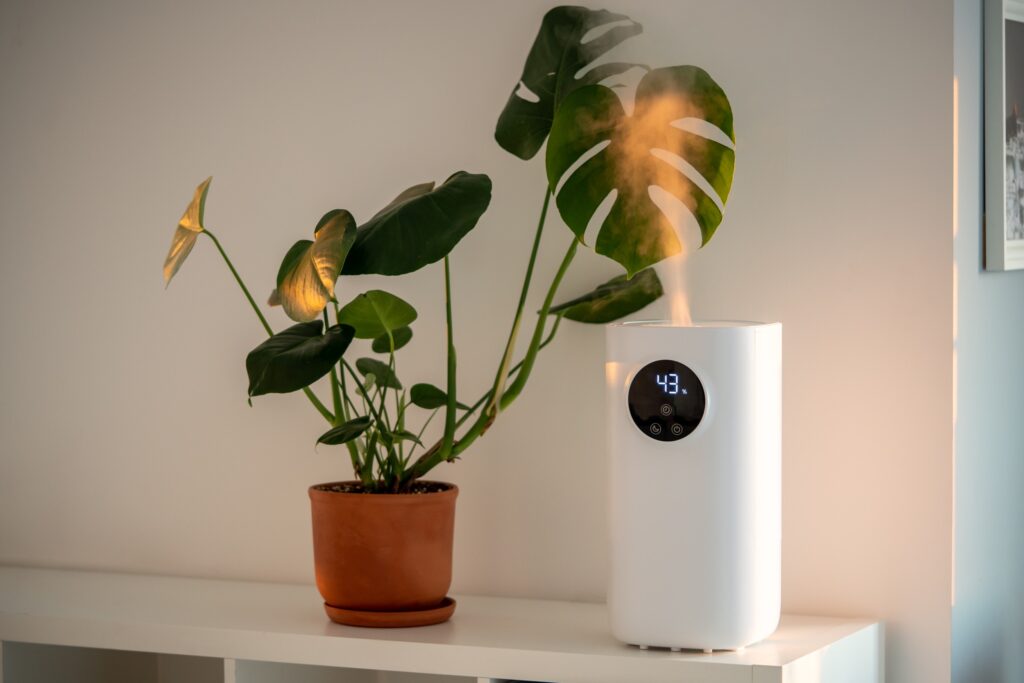
Air quality directly impacts productivity. The World Green Building Council reports that improved indoor air quality can boost productivity by 8-11%. For closed rooms or spaces with pets, an air purifier keeps dust and allergens under control while protecting devices from buildup. A humidifier can also help in cleansing the indoors by adding moisture to the air, increasing the humidity level to relieve problems caused by dryness, such as dry skin, irritated eyes, and respiratory issues.
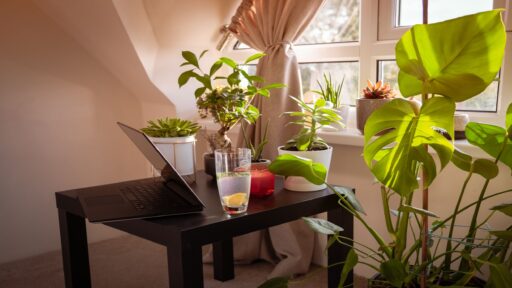
NASA’s Clean Air Study also revealed that common indoor plants like peace lilies and snake plants can remove up to 87% of toxins in just 24 hours. Adding indoor plants adds freshness and personality, making the home office setup both healthier and more inviting.
Switching to a Better Setup
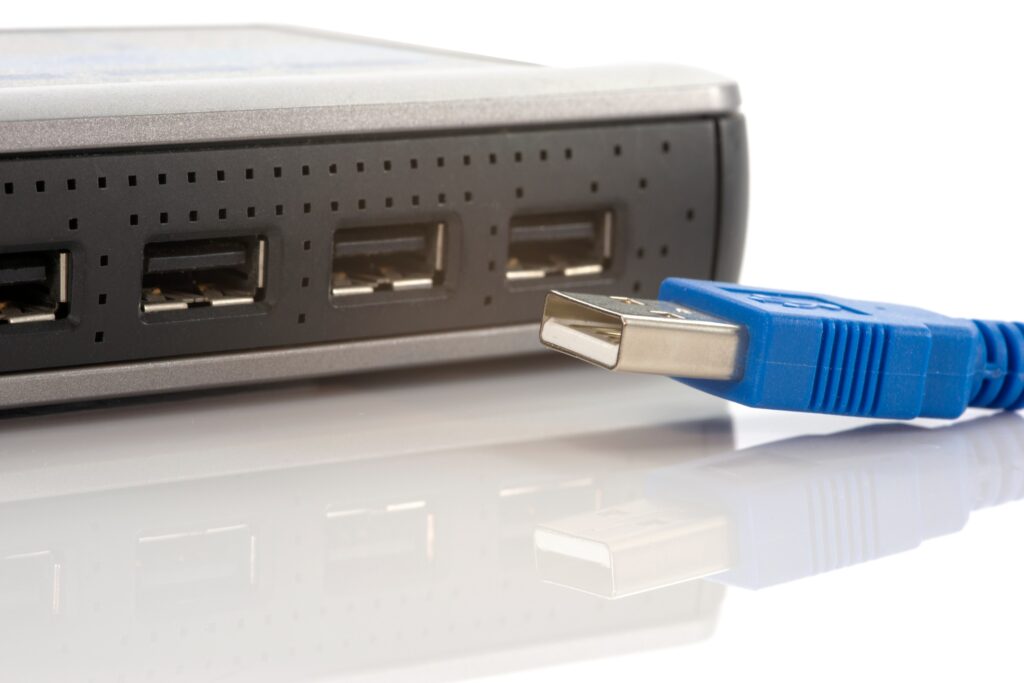
Constant switching between a work laptop and a personal one can become frustrating. However, having a USB switch allows easy sharing of peripherals like keyboards, mouse, and external hard drives. For a more advanced solution, a KVM switch (keyboard, video, and mouse) can also be used. It enables both device and display switching with just one button.
These tools streamline workflows and can save time efficiently. Gartner research indicates that knowledge workers lose 20-30% of productivity due to inefficient processes, and a messy dual setup is one of those avoidable inefficiencies.
Not to Forget the Analog Tools

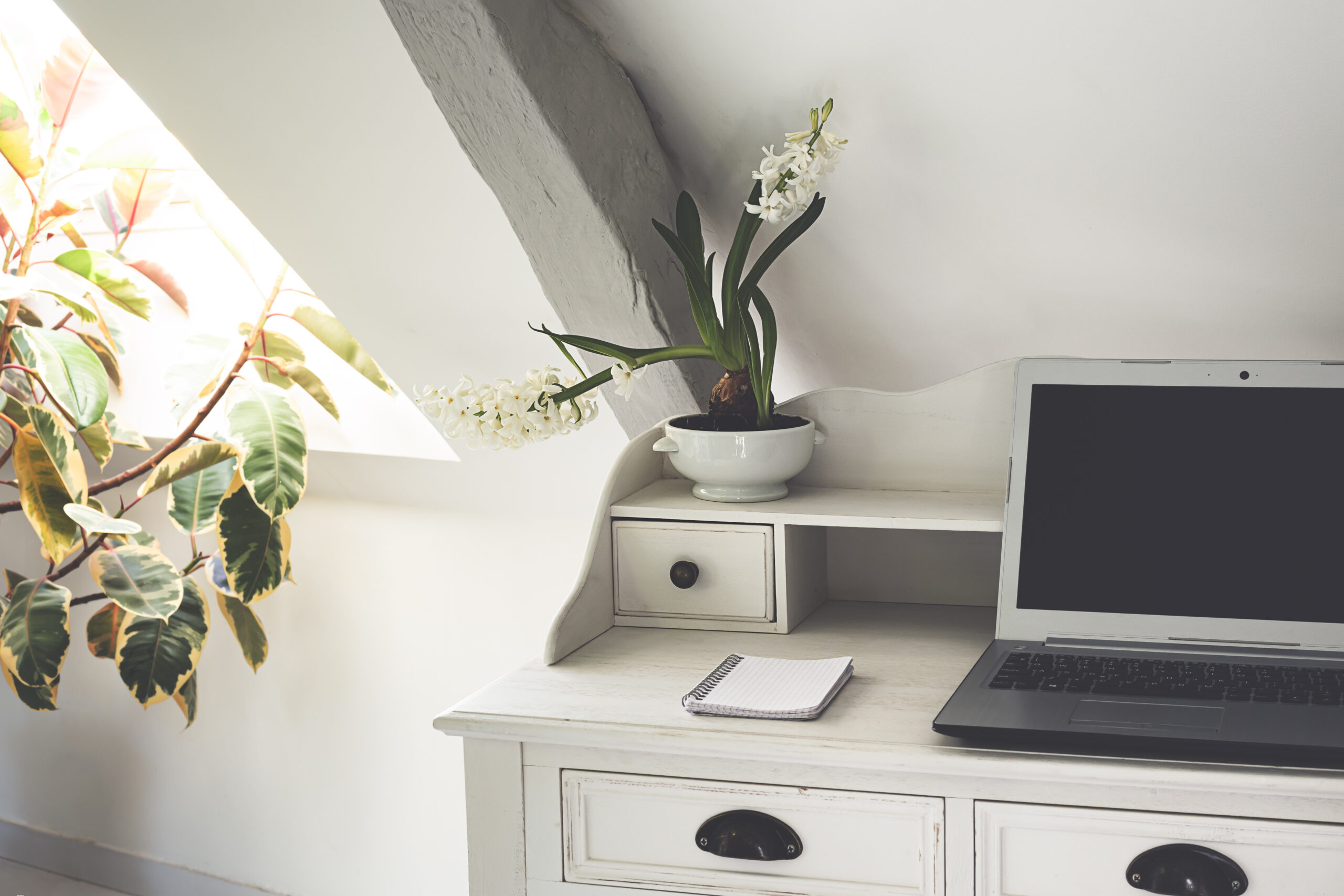
In an age of digital apps, pen and paper still hold surprising value. Research from Princeton and UCLA found that students who took notes by hand retained concepts 25-40% better than those who typed. For brainstorming, quick reminders, or sketches, analog tools reduce mental friction and prevent distraction from app-switching.
Keeping a personal notebook on the work table creates balance between digital demands and creative freedom, a habit that can boost focus during long stretches of remote work.
A Personal Touch
Doesn’t matter if you are working from home or remotely from any other place in the world. Workspaces should feel motivating, not sterile. Adding greenery (indoor plants that resonate with your personality and liking), personal photos, or small decorative items transforms a dull space into an energetic one that encourages creativity and reduces stress. A study in the Journal of Environmental Psychology showed that office plants improved concentration by 15% among workers.
Personalizing the workspace also makes work feel less transactional and more fulfilling. Whether it’s your favorite quote, a coffee mug, or a framed picture of loved ones, these touches make the home office setup truly your own.
Final Thoughts
The real secret behind how to work from home is not about expensive upgrades or fancy gadgets. It’s more about creating an intentional, functional space that supports health, focus and productivity. Each improvement from surge protectors and ergonomic chairs to lighting and indoor plants (greenery) adds layers of comfort and focus.
The perfect home office setup is the one that evolves with personal needs. It could be different for everyone, as per their personal liking and choices. A thoughtfully arranged work table, good air quality, proper posture, and smart tools and accessories all contribute to making remote work less of a challenge and more of an opportunity to thrive.
Subscribe to What Works Next today and join a community dedicated to transforming the way we work. Working smarter starts here!