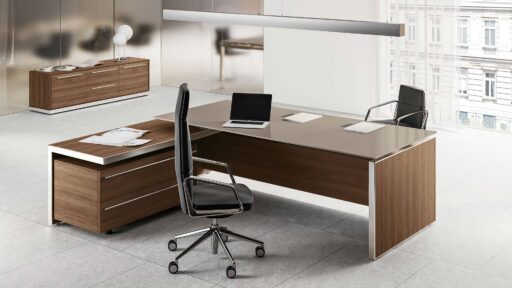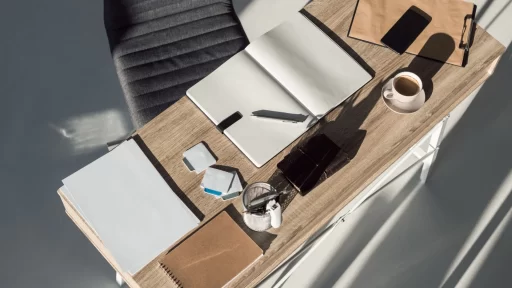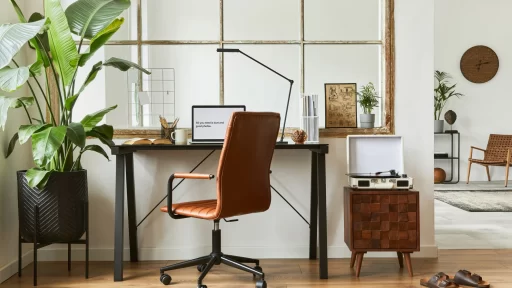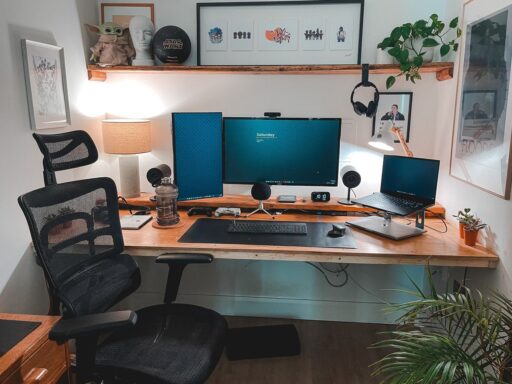
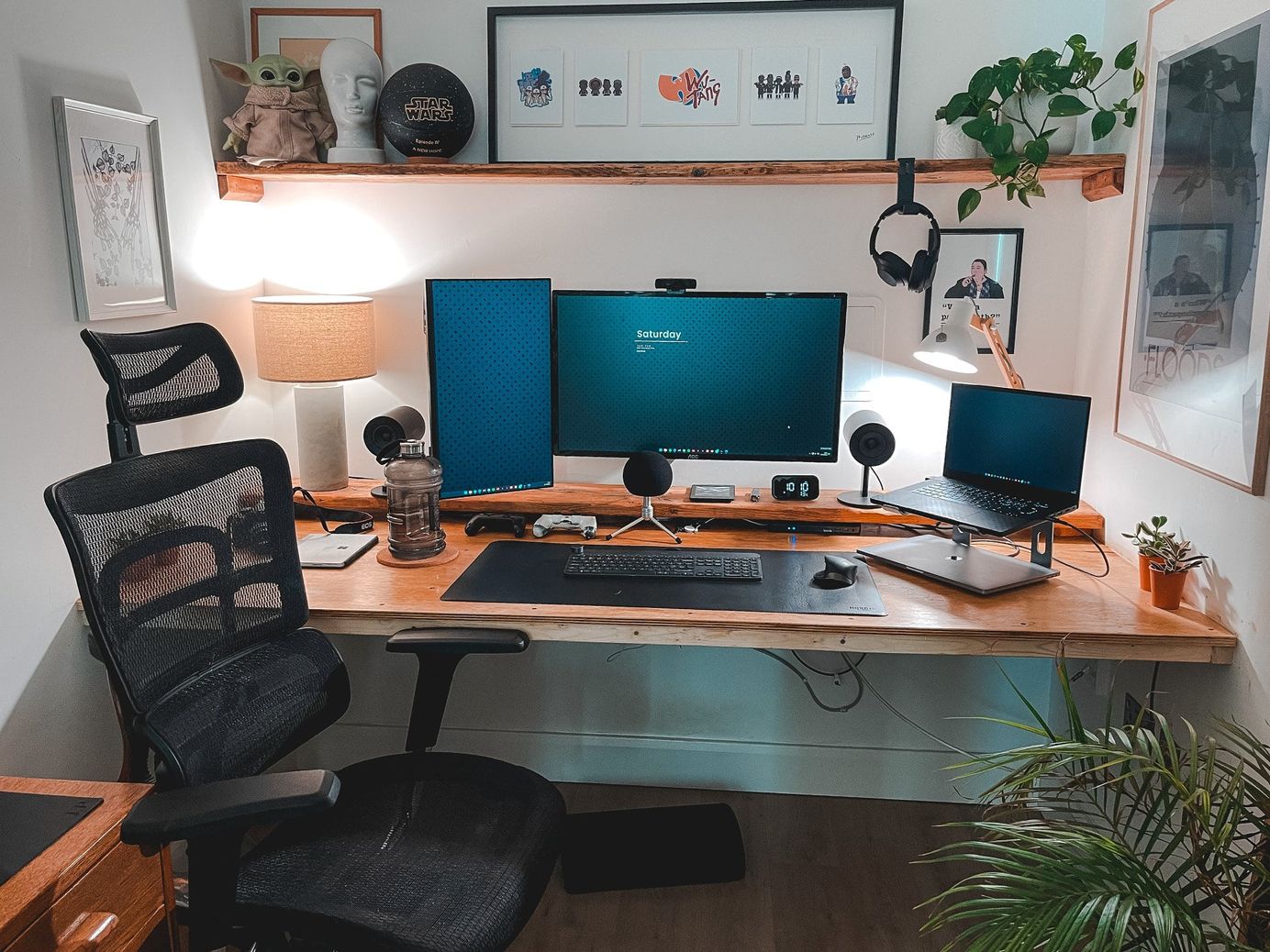
Setting up a perfect work from home desk setup can change the way you feel about your job. Whether you’re a remote worker, freelancer, or someone juggling hybrid work, a good work environment helps you stay focused and relaxed. It’s more than just a desk and chair. It’s about creating a space that works for you mentally, physically, and even emotionally.
With so many of us spending long hours at our desks, it only makes sense to optimize our workspace. From choosing the right lighting to picking the perfect chair, every decision matters. Let’s walk through exactly how to create your ideal setup step by step.
1. Choose the Right Location
Before anything else, pick a quiet and comfortable corner of your home. Ideally, choose a spot with natural light. You’ll feel more energized and alert during the day. If possible, avoid working in your bedroom to separate work from rest.
Think about distractions. If your kitchen or living room sees a lot of foot traffic, it may not be ideal. Even a small nook with privacy can make a big difference. Use curtains, bookshelves, or plants to section off your space.
The key is to train your mind that this is your work station. This space should trigger focus and productivity every time you sit down.
2. Invest in a Comfortable Chair
Your chair plays a massive role in your work from home desk setup. Don’t underestimate it. A bad chair leads to back pain, shoulder strain, and poor posture. Over time, these small issues can turn into long-term health problems.
So, what should you look for in a chair? Go for something ergonomic. Look for adjustable height, lumbar support, and breathable material. Your feet should rest flat on the floor, and your knees should form a 90-degree angle.
If a premium chair feels too expensive, think of it as a health investment. You’ll work better and feel less tired at the end of the day.
3. Get the Right Desk for Your Needs
Not all desks are created equal. Your desk should match the kind of work you do. Do you use one laptop? Or do you need space for a large computer monitor, a notebook, and a tablet?
Consider the width, depth, and height of the desk. If you need extra storage, look for options with built-in drawers. If you move a lot, a lightweight desk is easier to shift around. A standing desk is a great choice if you prefer flexibility and movement during the day.
Avoid clutter. Keep only the essentials on your desk. A clean space helps you think clearly and get more done.
4. Elevate Your Screen for Better Posture
Your screen should be at eye level to avoid neck strain. Many people look down at their laptops, which creates a hunched posture. Over time, this causes discomfort and tension in the shoulders and neck.
If you use a laptop, consider getting a laptop stand. Even a stack of books can work as a temporary fix. For those using a large computer monitor, make sure it’s elevated enough to meet your line of sight.
Some people even use a second screen to increase productivity. It helps when multitasking or referencing multiple documents at once. Just make sure both screens are aligned to reduce eye movement and fatigue.
5. Focus on Lighting
Lighting can influence your mood, energy, and focus. Natural light is best, but not always available. In such cases, add a good desk lamp to your work station.
Avoid harsh fluorescent lights or overhead lighting. Instead, use warm, adjustable lights that reduce eye strain. Place your light source to the side to avoid screen glare.
Also, consider using blue light filters on your devices, especially in the evening. This helps protect your sleep cycle and reduces digital eye fatigue.
6. Use Quality Tech and Accessories
Your tools can either support your workflow or slow you down. Invest in a reliable internet connection, a fast computer, and noise-canceling headphones. These are the basics.
For better comfort, use an external keyboard and mouse. This lets you position your laptop or large computer monitor at the right height. Your arms should rest comfortably while typing.
Don’t forget a good webcam and mic if you take regular calls. Clean audio and video help you show up professionally in every meeting.
7. Optimize Cable Management
Messy cables can make your desk feel chaotic. They get tangled, collect dust, and make cleaning difficult. Luckily, cable management is simple and affordable.
Use cable clips, ties, or sleeves to bundle wires together. Label them if needed so you can unplug quickly without confusion. Route wires behind your desk or along the edges to keep them out of sight.
A tidy setup instantly feels more professional. Plus, it saves time when you need to switch devices or troubleshoot.
8. Personalize Your Workstation
Work from home does not mean your desk setup should feel sterile or boring. Bring in elements that make you feel good. Add plants, photos, or small art pieces. You can even use a favorite mug or coaster for a touch of comfort.
Scents like lavender or citrus can enhance mood. Soft textures, warm colors, or even a cozy rug under your feet can improve the space.
Just remember not to overdo it. Your desk should stay clutter-free, so decorate with intention and balance.
9. Manage Noise Levels
Noise is one of the biggest distractions when working from home. Whether it’s kids, traffic, or neighborhood sounds, it can pull you away from deep focus.
Try using noise-canceling headphones or a white noise machine. Instrumental music or ambient sounds can also create a calming background.
If possible, use rugs and curtains to absorb sound. The goal is to build a workspace that supports calm thinking and clear communication.
10. Add Movement and Flexibility
Sitting all day is not healthy. Include small ways to move and stretch in your work station design. A standing desk or adjustable riser lets you switch between sitting and standing throughout the day.
You can also place a yoga mat nearby for short breaks. Stretch, walk, or even do a few squats to reset your energy.
Even better, take calls while standing or pacing. Movement not only boosts your mood but also improves focus and circulation.
11. Keep It Clean and Organized
A clean desk is a productive desk. Make it a habit to tidy up at the end of each day. This small routine resets your mind and prepares you for a fresh start the next morning.
Use organizers, trays, or drawers to store your essentials. Avoid mixing personal clutter, like keys or random gadgets, with work tools. Keep things simple and easy to access.
Wipe down your desk and screen regularly. You’ll feel more refreshed and less overwhelmed when things are in order.
12. Plan for Comfort and Sustainability
Your work from home desk setup should be designed for the long haul. Think about your body, mind, and even the environment.
Use a footrest if your feet don’t touch the ground. Choose energy-efficient lighting and recycle old electronics. Invest in durable, long-lasting furniture rather than trendy items that wear out fast.
Comfort supports performance. When your workspace feels right, your work quality improves.
Final Thoughts
Creating a perfect work from home desk setup doesn’t require a huge budget or fancy tools. It’s all about being intentional with your space. Start with what you have and build from there.
Remember, your desk is more than just a work zone. It’s where you think, create, connect, and grow. Make it a place you want to sit down at every day.
So go ahead, take a look at your current setup and see what small changes you can make today. Your mind, body, and work performance will thank you for it.
Subscribe to What Works Next today and join a community dedicated to transforming the way we work. Working smarter starts here!