


Social Media Planning for Multiple Brands - without the Chaos
A studio-grade Notion Template for creators, freelancers, and teams managing content across multiple brands.
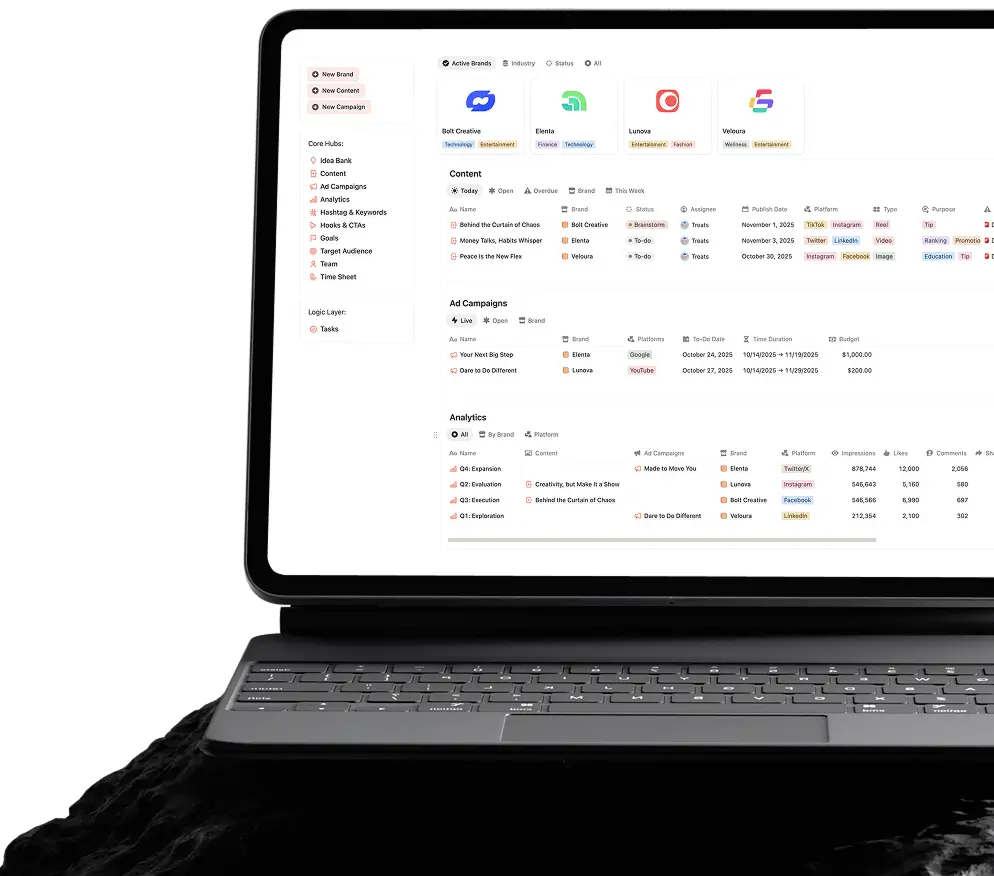
 From ideas to analytics - all in one workspace.
 Track execution without losing ideas or files.
 One workspace. No spreadsheets. No tool-hopping.
Video Walkthrough and Demo
The video shows how to:
 Set up the system Scale it for teams or clients Customize it
 Want to click through yourself and see how the social media studio works?
View Live Demo If your work lives
in any of these worlds
 Social Media Managment
  Content Creation
  Marketing
  Agency or Studio
 You’ve probably dealt with
 Broken Calendars
  Duplicated Spreadsheets
  Lost Ideas with No Action
  Lack of Clarity & Planning
  Juggling Between Tools
  Waste of Time
  Missed Opportunities
 And that’s exactly the friction this system is designed to remove.
Users report saving several hours each week
While results vary, these are common gains in time and clarity reported by creators, freelancers, and teams using structured social media systems like this.
BEFORE AFTER IMPACT
What people say after using the all-in-one management suite
Short feedback from creators, freelancers, and teams who’ve integrated the system into their day-to-day social media workflows.

This is the third Social Media Planner I have tried and it far exceeds the rest. The Youtube video explaining how to use the template made the transition seamless. The interface is clean, organized and easy to use. It is also completely customizable to your own preferences.
Highly recommend if you are a creator, manager or business owner!

This template saved me so much time.
I used to manage my content ideas in notes, my calendar in Google Sheets, and analytics somewhere else. Now everything is in one place.
Very clean layout and surprisingly easy to customize.

Very organized and very useful. Very happy with the purchase.

I run social media for two small brands and this template made my workflow way more organized.
The content calendar and idea tracking are my favourite parts.
It looks beautiful but is also very practical. Highly recommend if you manage multiple platforms.
Exactly what i was looking for. Easy to use, easy to understand, and there’s ways I can add/adjust things to my liking. Love how it looks – simple, efficient yet modern and cute!
Very straightforward indeed and i appreciate the aftersales to check how i find it so far. Will def reco to my friends!

I was looking for something simple but still powerful and this template hits that balance perfectly.
The interface is clean, easy to navigate, and the sections make it easy to stay consistent with posting.
I’ve tried building my own Notion dashboards multiple times but they always became messy after a few weeks. This template solved that instantly. Everything from content planning to tracking posts is already structured so well.
It honestly feels like a full social media workspace instead of just a planner. Super happy with this purchase.
Very organized and beginner friendly. I’m fairly new to Notion but had no problem getting started with this.
It helped me plan my content strategy much better instead of posting randomly.

Love this template! It made managing my Instagram and TikTok content much easier. The workflow just makes sense.
Definitely worth it if you want to stay consistent with your posting schedule.

Very practical and well designed. It’s clear a lot of thought went into the structure.
It’s simple enough to use daily but detailed enough to manage a full content strategy.
Packed with the right features - but only what’s important.

Multi-Brand Control Dashboard
A single command centre showing all brands, active campaigns, scheduled content, deadlines, and performance snapshots — without switching workspaces.

Brand-Specific Workspaces
Each brand gets its own filtered views for content, campaigns, analytics, goals, and guidelines — fully connected to the central dashboard.

Editorial Content & Calendar System
Plan, schedule, and track content across platforms with a clear lifecycle — from idea to published — using drag-and-drop calendars and status views.

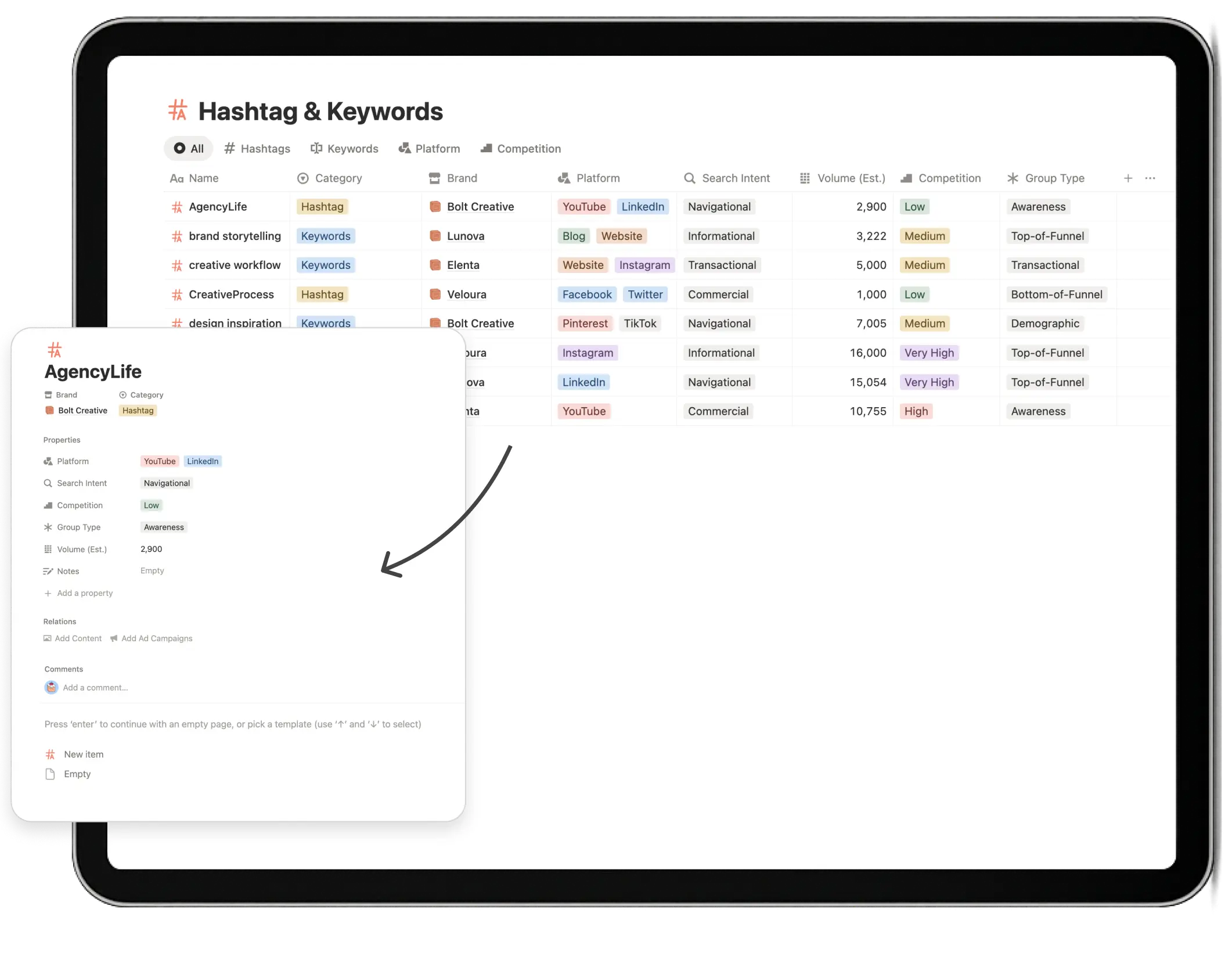
Hashtags, Keywords & Copy Vault
Reusable libraries for hashtags, keywords, hooks, and CTAs — linked directly to brands, content and campaigns to reduce repetition and speed up creation.

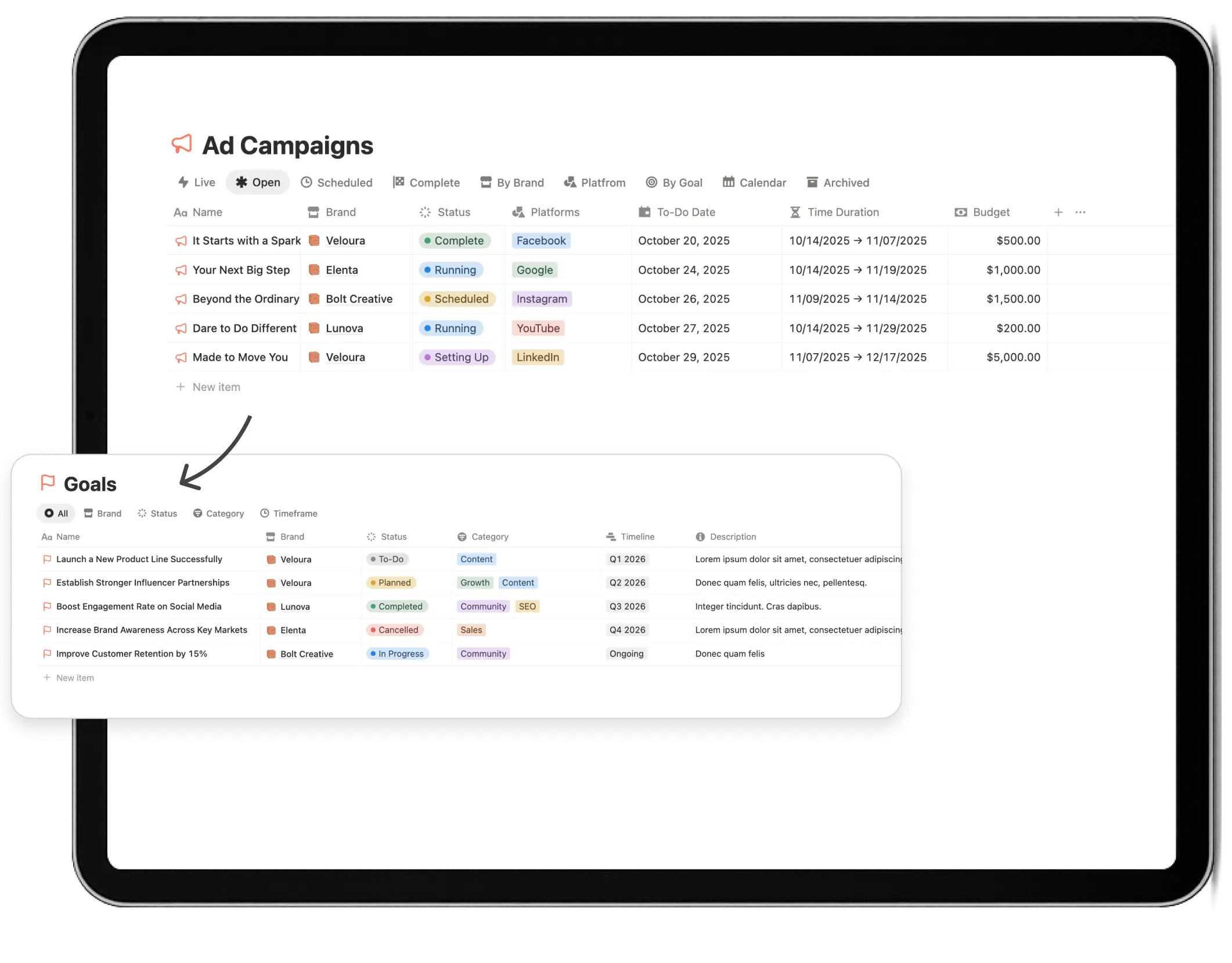
Campaigns, Goals & KPIs
Track campaigns with clear objectives, budgets, timelines, and KPIs — so performance is always tied back to intent, not guesswork.

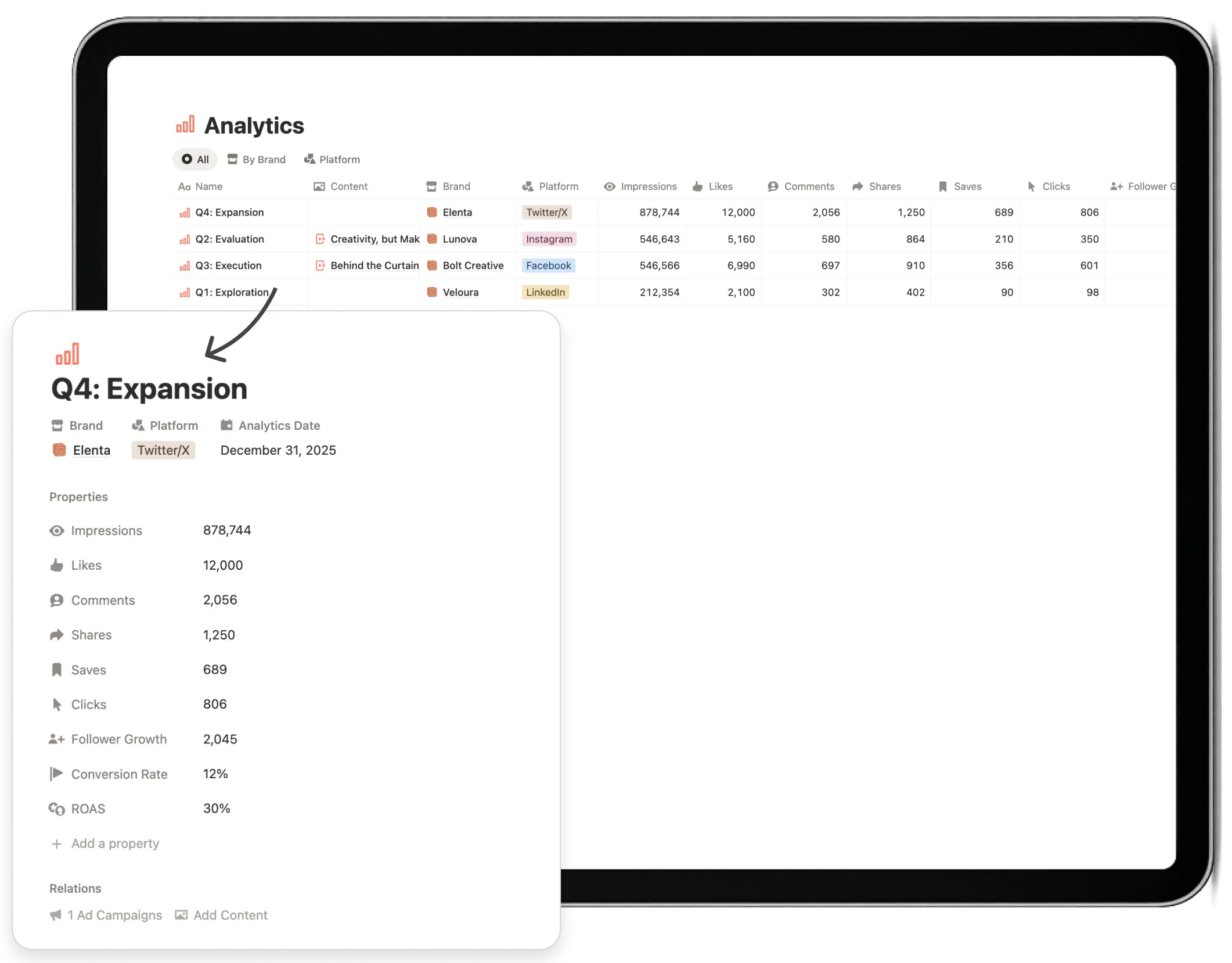
Analytics & Performance Hub
Centralized performance tracking across content, campaigns, platforms, and brands — designed for quick reviews, not reporting marathons.

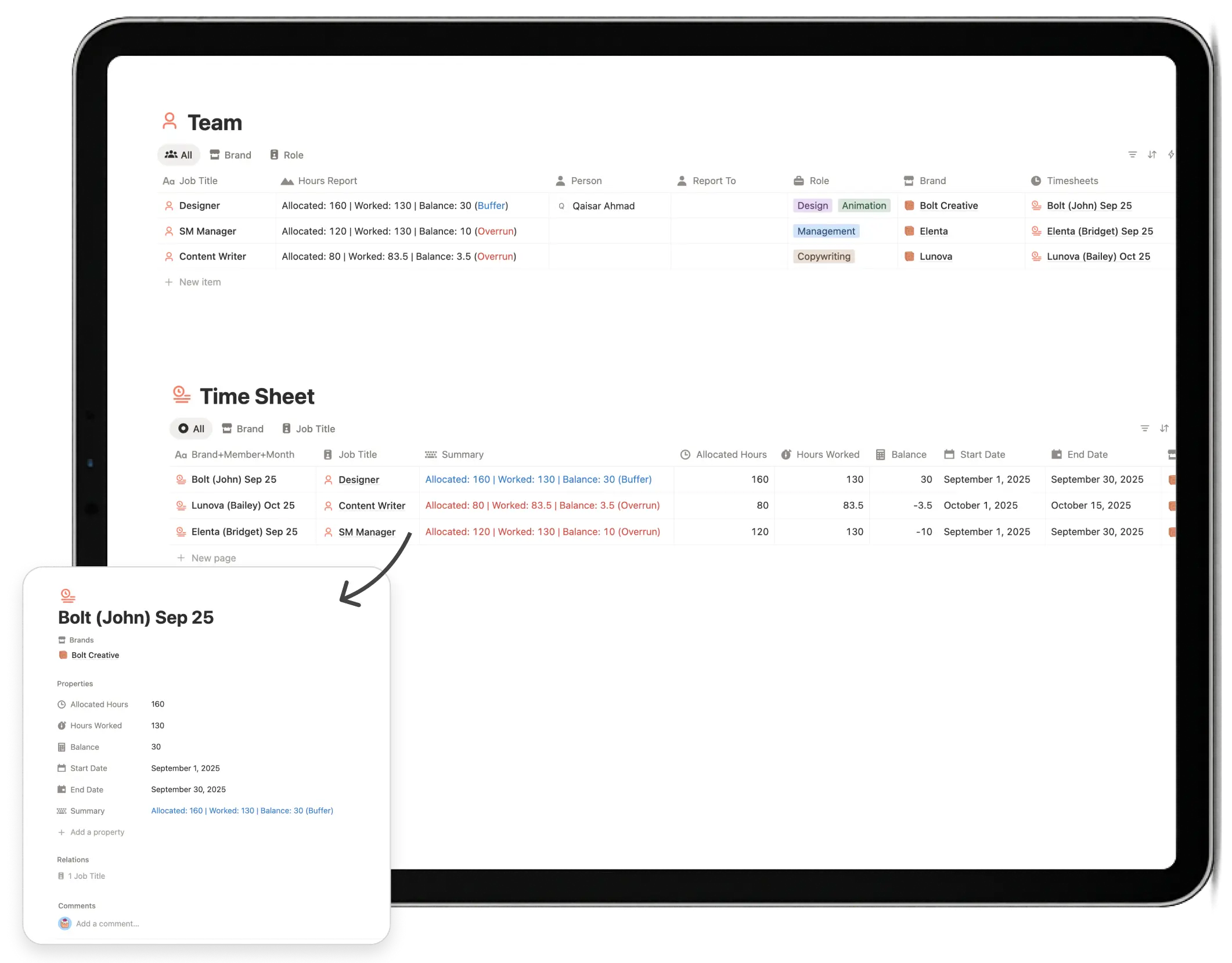
Team Tasks & Capacity Tracking
Assign tasks, track workload, and monitor capacity — useful for teams and agencies managing multiple contributors.
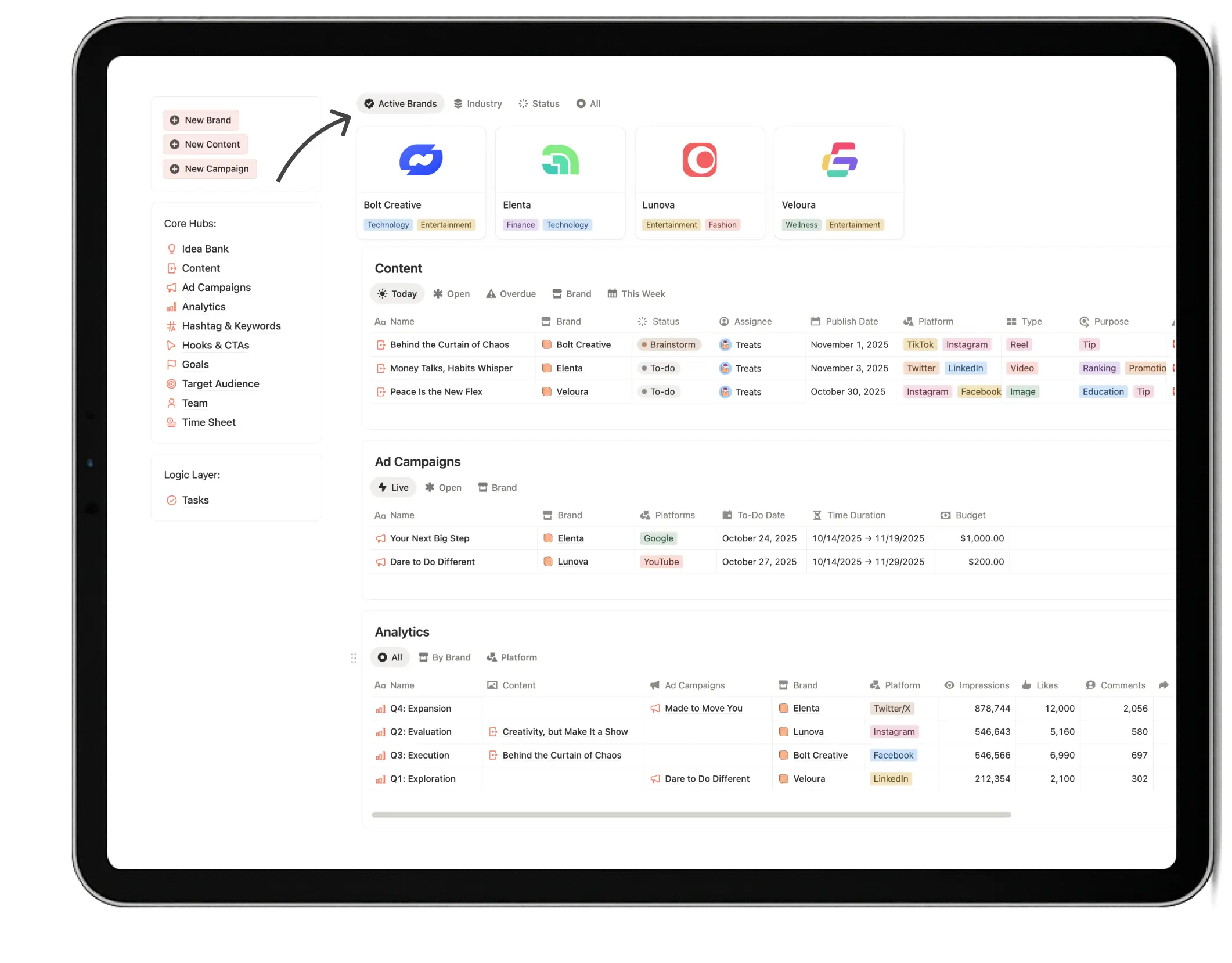
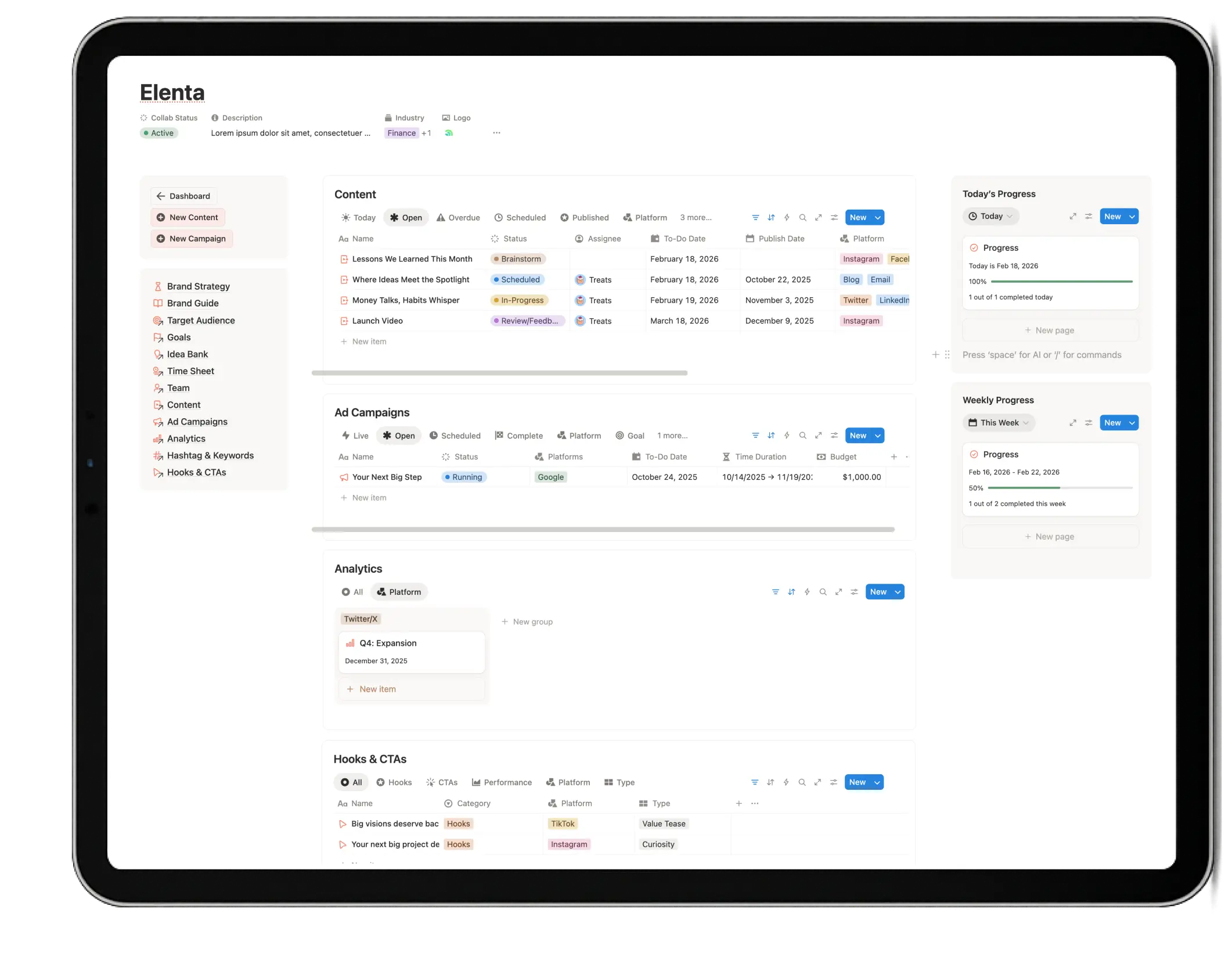
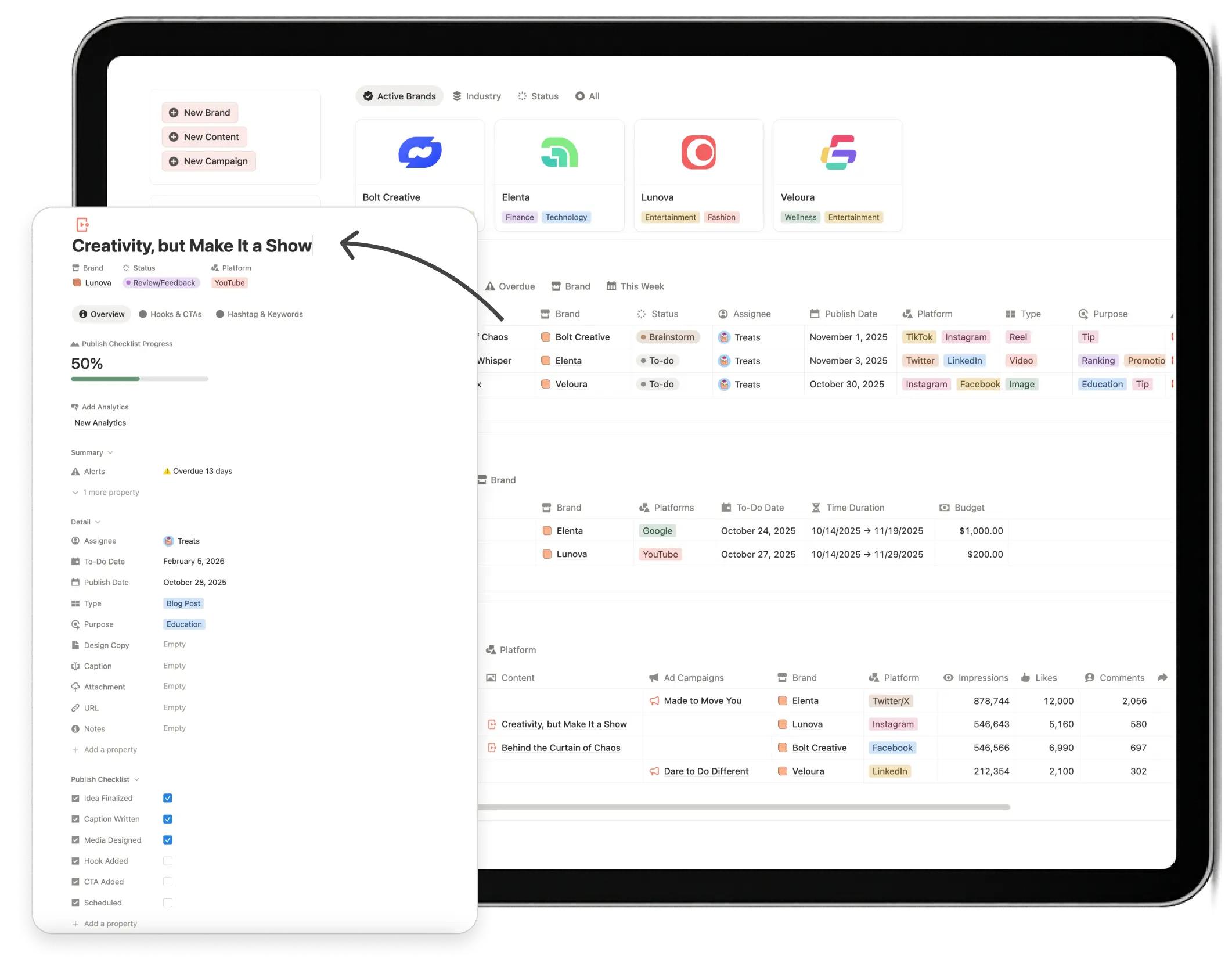
Studio-Grade by Design - Not Just Decor

65+ custom covers & icons

Light & Dark mode assets

Clean, professional dashboard styling
How It Works
A straightforward setup — no integrations, no subscriptions, no technical setup.
 Step 01
 Get the template
 Step 02
 Open it in Notion
 Step 03
 Duplicate the Template
 Step 04
 Set it up at your pace
What You Need
Very little. The system is designed to work with tools you likely already use.
A Notion account
A free Notion account is enough to get started.

Any device
Use it on desktop, tablet, or mobile — all supported.

Basic familiarity with Notion
Everything else is covered in the video guide provided above.