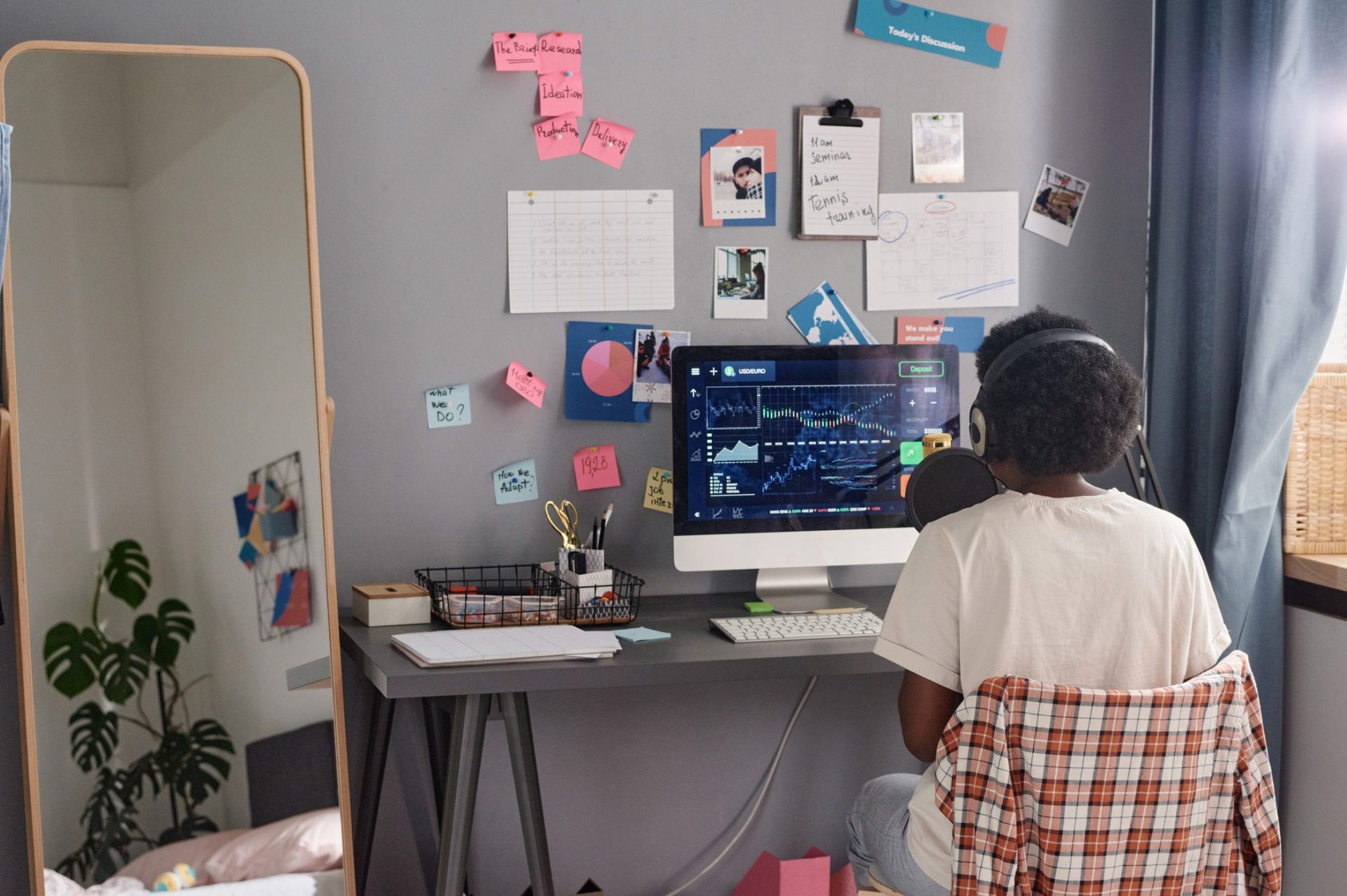
Work from home setup really doesn’t matter. They said! They lied.
What is your must-have work setup from home? This answer to this question varies person to person. My preference is to have an iced latte, a table next to a window with natural light, with no earphones. It could be entirely different for you!
The wfh 2025 is different than 2020, but it has surely transformed into a more articulated form. It has become a way of living and earning for millions of people like you and me.
My productivity in 2025 has depended less on willpower and more on my work from home setup. Before I started working as a work from home employee, I often used to wonder why some remote workers breeze through their day while others constantly feel drained. The answer, I’ve learned, often lies in how the work from home setup is designed.
Why My Work Setup Matters More Than Ever
I never realized how much my environment controlled my performance until I tried working from my bed for weeks. Sure, it felt comfortable at first, but soon I was distracted, slouching, and mentally exhausted. My body was always in the “Oh, I am tired” mood. My creative thoughts started to sleep under my pillow. And then I stumbled across Reddit communities like r/home office and r/workspaces. Post after post confirmed what I was feeling: a cluttered or uncomfortable space drains your energy, while a proper work setup with essential tools and accessories boosts focus almost instantly. It did for me and many others (my dependable source: Reddit).
For me, investing in my setup wasn’t just about work. It was more about protecting my health and creating a place where I actually wanted to spend hours (work demands). So, I started planning out things for my core work station, wfh 2025 isn’t a game as it is, if you know, you know!
Ergonomics First – Gotta Protect The Body
What if the biggest threat to your career isn’t stress, but your chair? That question hit me hard because after my bed, I had started getting back pain from sitting on a stiff dining chair. On Reddit, I kept seeing the same advice: fix ergonomics first!
So I bought an ergonomic chair with lumbar support, and it changed everything. Some people swear by Herman Miller, while others recommend budget-friendly options like Ikea Markus or SIHOO. I also added a sit-stand desk so I could switch positions throughout the day. And to my surprise, a split keyboard and vertical mouse reduced the wrist pain I didn’t even know was creeping in. 30s hit differently as it is!
These small changes made me feel like I wasn’t fighting against my own body while working. You must have already read the same suggestions a gazillion times. I did too, but never implemented until my body started showing signs. Guess it’s time for you to amp up your workstation for real.
Suggestions for Ergonomic Chairs under $200
- Marsail Ergonomic Chair – priced at $118 at Amazon (price may vary)
- TRALT Ergonomic Chair – priced at $140 at Amazon (price may vary)
- Sweetcrispy Ergonomic Chair with flip arms – priced at $63 at Amazon (price may vary)
Technology Upgrades I Can’t Work Without
Is a laptop enough for working full-time from home? I know it depends on your job role and all. And I thought so too, until I tried juggling between the once-never-closed 50+ tabs. It drove me mad, like seriously. I really wanted to understand if it was just me or if other people feel the same way.
So, I went from forums to workspace threads that were full of people swearing by dual monitors, and they weren’t even exaggerating. Most of them were coders, but hey! Other jobs are tough, too. And so, adding a second screen doubled my productivity and reduced my eye strain a little.
Other than this, a good webcam and noise-canceling microphone also turned my video calls from “Sorry, can you repeat that?” into clear conversations.
Docking stations are must have too. I finally bought one, and now one cable connects everything: my monitors, keyboard, mouse, and a charger keeping my desk clutterfree. A little perfect work setup for myself.
Lighting and Ambience That Actually Works
Could your desk lamp be sabotaging your focus? I didn’t believe it until I switched mine out. Harsh light made me tired, while dim light made me sluggish. Redditors kept recommending warm desk lamps, ring lights for video calls, and natural daylight when possible. I tried all three, and the difference was massive.
I also added a plant and a simple art print near my desk. It sounds small, but now when I sit down, my brain feels focused and relaxed.
If you have space and can set your desk near natural light, that would be a great setup too.
The Minimalist vs. Maximalist Debate
Why do some people thrive with empty desks while others feel inspired surrounded by gadgets and trinkets? I tested both approaches after reading endless debates on online communities and other forums.
When my desk was minimal, I felt calmer. But when I added a few personal touches, a framed photo, a desk mat, and my favorite books, I felt more connected to my space. I realized there’s no “perfect” setup. The best work setup in 2025 is the one that matches your personality.
Reddit-Approved Accessories I Swear By
When I was lost on what to buy next, I leaned heavily on Reddit. Here are the accessories that kept popping up in discussions and that I eventually tried myself:
- Noise-Canceling Headphones:
Redditors say they’re worth every cent, and I agree. They create a bubble of focus and block out chaos. - KVM Switch:
Switching between my personal and work laptops with one keyboard and monitor feels like a much-needed solution. - Docking Station:
Reddit community insisted this was essential, and they were right. It declutters your desk and makes connecting devices simple. - Ergonomic Keyboard and Mouse:
A split keyboard and vertical mouse took a week to get used to, but eliminated wrist pain. - Standing Desk or Converter:
Sitting all day was killing my energy. This lets me stand, stretch, and reset without leaving my workspace. - Monitor Riser or Arm:
Lifting my screen to eye level stopped the neck strain I didn’t notice until it was gone. - Mechanical Keyboard:
Typing feels satisfying, and honestly, it makes me enjoy working more. - Premium Ergonomic Chair:
This one is non-negotiable. Every Reddit thread says “buy the best chair you can afford,” and I get why now.
How My Setup Helped My Mental Health
Can a desk setup really protect your mental health? I didn’t think so until I realized how blurred my days had become. I’d close my laptop and still feel like I was at work. Online Communities and people working remotely showed me I wasn’t alone. And so, you aren’t alone as well!
The best advice I found was to create clear boundaries. Use a dedicated corner for work, close my laptop at the end of the day, and build rituals like a short walk after finishing. It tricks my brain into knowing work is done. My setup isn’t just functional now, it’s also a signal to my mind.
Looking Ahead: Future WFH Trends
What if tomorrow’s “office” is a headset instead of a desk? Beyond 2025, VR meeting rooms and AI scheduling assistants will become real tools. People are curious about these changes, but most agree: no futuristic gadget will ever replace the basics of good ergonomics, reliable tech, and a calming space.
Final Thoughts
So what’s the real secret to thriving in WFH 2025? For me, it wasn’t about discipline or motivation. It was about designing a space where work feels natural.
Online communities gave me a head start, but the journey was personal. And similarly, it will be the same for you. What you select, how to upgrade your work from home setup depend on your needs.
Every upgrade from noise-canceling headphones to a better chair helped me feel more in control of my day. If you’re struggling with focus or fatigue, don’t blame yourself first. Look around. Your work setup may be the hidden key to unlocking your best self.
Subscribe to What Works Next today and join a community dedicated to transforming the way we work. Working smarter starts here!