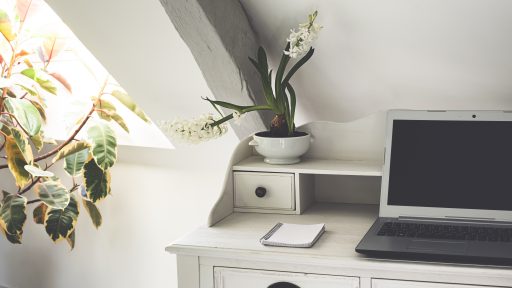
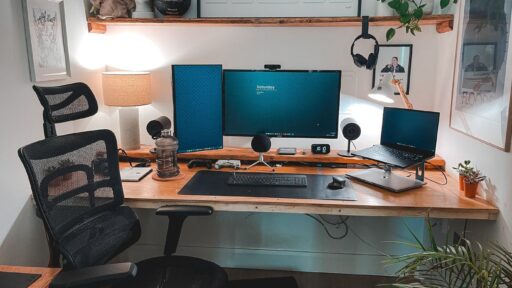
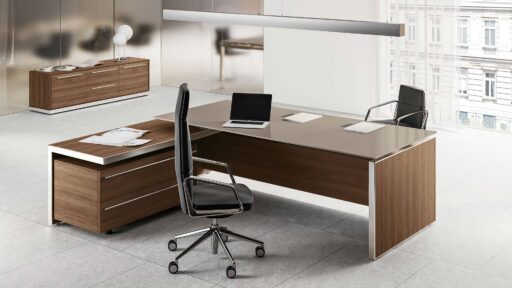
A well-designed home office setup isn’t just about aesthetics only (I know, I know it matters!). It’s a must-have setup for better focus, comfort, and productivity. Whether you’re new to remote work or just looking to upgrade your space as a settled WFH employee, it’s time to set up a perfect home office that works with you, for you, and not against you.
After working from home for almost half a decade, I have experienced, learned, and relearned many things that have helped me maximize my productivity. It hasn’t been easy, but we all gotta learn as we grow, especially when it comes to setting up your home office for your own good! So, I thought of sharing my two cents on how you can improve your productivity while working remotely.
But first, let’s throw in some reality checks. Working from home sounds like a dream until you’re typing away on your laptop from the couch, balancing it on a pillow, wondering why your back feels like it aged a decade.
Let’s jump in and learn about some tips that might help you build a modern, productive home workspace that looks good, feels better, and functions like a dream.
How to Set Up a Perfect Home Office
Create a comfortable, productive workspace at home by choosing the right furniture, lighting, and technology. Prioritize ergonomics, minimize distractions, and personalize your environment for maximum efficiency. Whether for remote work or freelancing, knowing how to set up a perfect home office can boost focus and performance.
Designing the ideal home office starts with selecting a quiet, well-lit area that encourages concentration. Invest in a supportive chair, a spacious desk, and essential tools like a reliable computer and high-speed internet. Keep your setup organized with smart storage solutions and add personal touches to inspire creativity. When you Set Up a Perfect Home Office, you create a space that enhances both comfort and productivity.
1. Designate a Dedicated Work Zone
This may sound too basic, and you’ll be like ya right as if I don’t know about this…I know, but sometimes even despite knowing something, we tend to ignore it until it hits back (literally your back – remember the laptop placement on your lap while adjusting the pillow for your back?) Yeah…so time to transition those “I know thoughts’ into something actionable – by creating and designating a dedicated work zone for yourself with proper equipment.
So, the first step in creating the best home office setup for productivity is defining a workspace that’s just for work. Even if you don’t have a spare room, a quiet corner or a sectioned-off nook will do the trick. Physically separating your work area from your space signals to your brain that it’s “go time” when you sit down.
Invest in comfortable work chairs and desks, I’ll talk about it further in the next point.
Tip: Use rugs, white lights, or high high-standing lamp, or even indoor plants for your home office space to create a visual boundary if you’re sharing a room or utilising the same space for work and personal stuff.
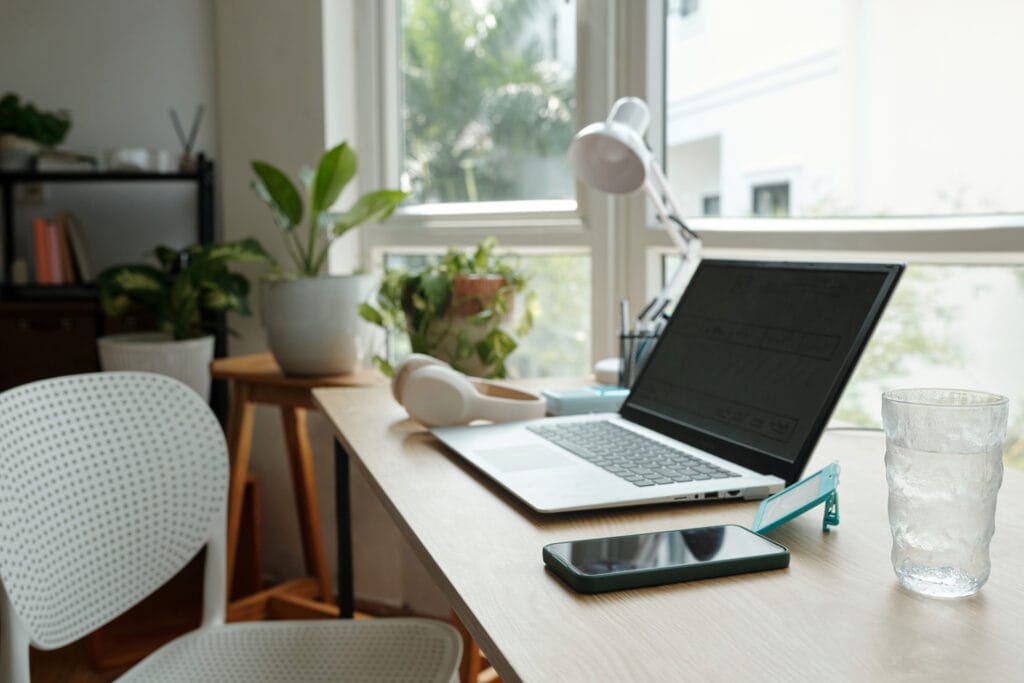
2. Invest in Ergonomic Furniture and Accessories
It’s truly time to say goodbye to the constant neck pain and awkward, hunched-over typing. I took some time to do this, you shouldn’t! It affected my back so badly that I still feel recurring pain sometimes. Have some mercy on yourself and go sit in a chair!
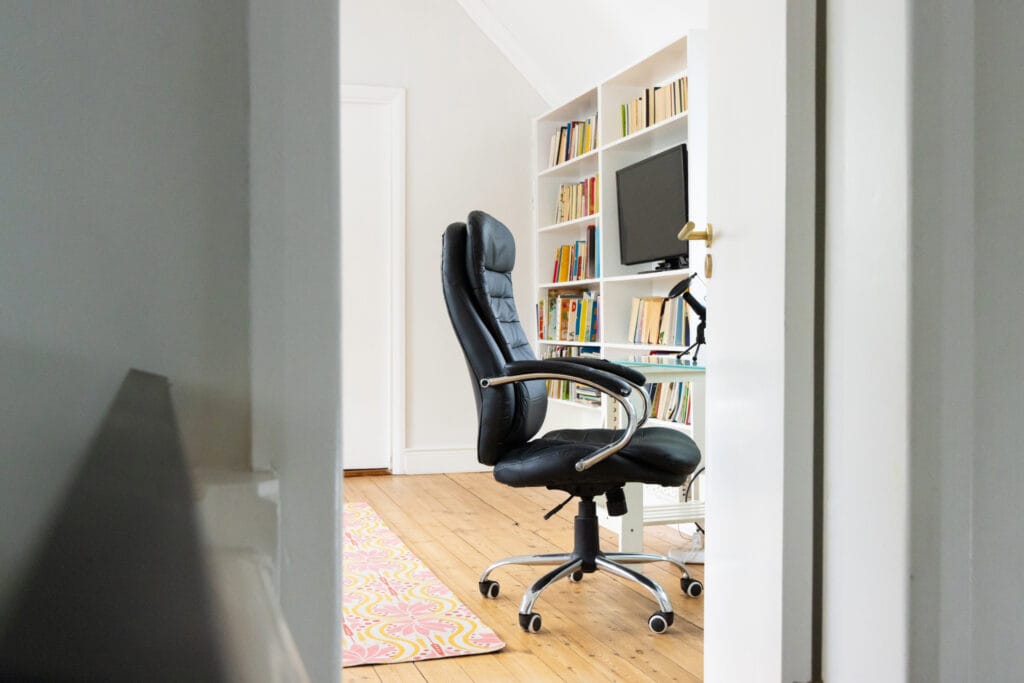
Invest in an ergonomic chair that offers lumbar support and adjustable features. Pair it with a functional desk, preferably a home office desk with drawers, that gives you room to work without clutter.
Your monitor should be at eye level (if you have the budget, you can also invest in electric standing desks and adjust the height as per your preference and needs), your arms at a 90-degree angle, and your feet flat on the floor or use a foot support to avoid puffy feet. This classic setup boosts comfort and helps prevent long-term strain.
Do take breaks, though! Apart from having all the right equipment, your body needs movement. Take a 5mins break after every 1 hour. It helps with focus and productivity.
3. Let There Be Light (Natural Light, If Possible!)
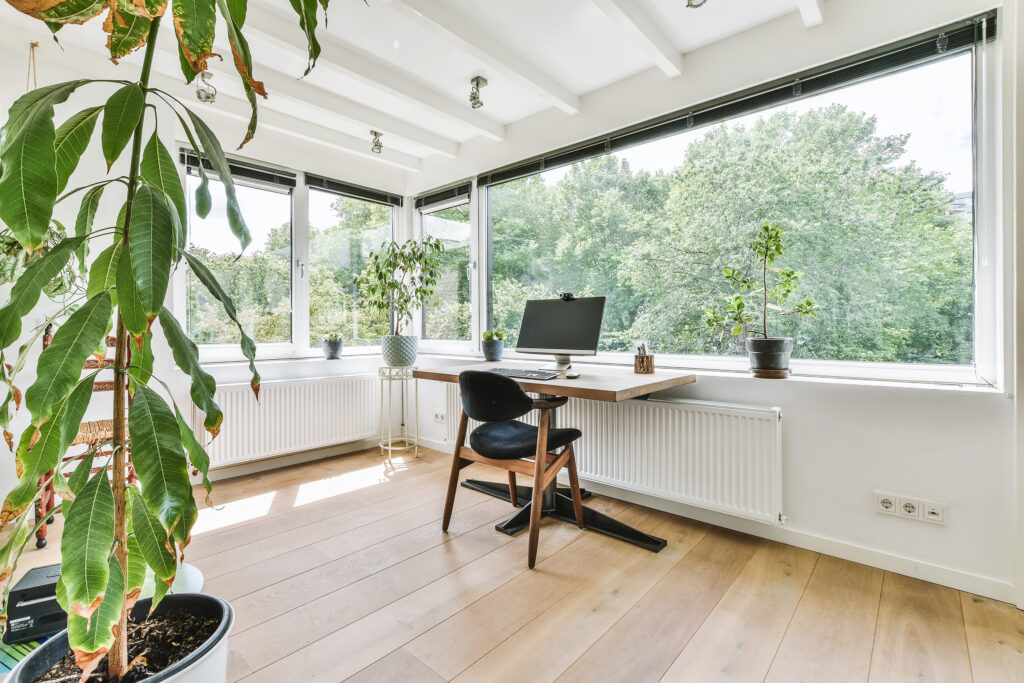
Lighting is a game-changer in any productive home office setup. Natural light improves mood and alertness while reducing eye strain. If possible, position your desk near a window. No window? Use a full-spectrum daylight lamp or LED desk light that mimics natural light. You can find budget-friendly indoor lamps online.
You can also look for home sales around your place. You may find something cheap yet valuable for lighting up your workspace.
4. Upgrade Your Tech Stack
If you’re working from a single laptop screen with a tangled mess of cables, it’s time to level up. There are hundreds of productivity boosting gadgets and tools that you can use as per your needs. Consider adding a second monitor to expand your screen space, a wireless keyboard and mouse for comfort, and a quality webcam and microphone for clear communication. A good docking station can also help reduce cable clutter and streamline connectivity. These upgrades not only improve efficiency but also make your workspace more enjoyable. Investing in the right tech is a smart way to Set Up a Perfect Home Office.
However, here are a few productivity-boosting essentials that you can start with:
Best Monitors for Home Office:
You can find a cheap one, but can you compromise on your eyesight? Nope. Can you compromise on the quality of visuals/graphics? Nope. Hence, investing in best best-performing monitors can enhance your overall workflow. A dual-screen setup can drastically improve efficiency and multitasking.
Best Headset for Working from Home:
You can find multiple handsets in the market. However, getting noise-canceling headsets keeps distractions at bay during calls, especially when you are working from home with other people in the house (or imagine kids, lol).
Tech Accessories:
Only the table and chair won’t do. Invest in laptop risers (if you use a laptop), and for monitors, you can invest in wall-mount stands for monitors. Wireless keyboards and mouse should be in your tech stack list because managing tangled wires isn’t easy to deal with, and have USB hubs to keep your desk sleek and functional.
Remember, the most important thing is your Wi-Fi speed and overall setup. It’s the foundation of all remote work. Consider it your workflow’s lifeline.

5. Keep It Organized, Keep It Efficient
Cluttered desk = cluttered mind. If I talk about myself, my OCD doesn’t let me focus without an organized desk. So, I always keep it aligned before starting my work so that I don’t get distracted or annoyed by it.
You can use shelves, file organizers, cable trays, and drawer units to keep your workspace neat. Set up a perfect home office with built-in storage or nearby cabinets will help you avoid digging through drawers or piles of paper mid-task.
Try this: At the start and end of each day, take 3 minutes to reset your space. It’s a small habit that makes a big difference.
6. Control Distractions Like a Pro
Working from home comes with its own set of challenges, like the fridge calling your name or a rabbit hole of tabs you “accidentally” opened. Or something from 5 years ago started a combat within your thoughts. It’s natural and it happens. However, we must try to combat these distractions by set up a perfect home office:
- Time-blocking techniques (Pomodoro works wonders)
- 5 minutes of focused breathing techniques (just inhale from the nose, exhale from the mouth, with your eyes closed)
- Use website blockers during deep work sessions
- Keep your phone on silent and upside down so that you don’t check it every 5 seconds
- Noise-reducing accessories like noise-cancelling headsets or you can use foam earplugs, mostly used for sleeping with reduced surrounding noises, but you are not going to use them to sleep on your work desk, ok? Use them as noise reduction buds
A focused environment = more done in less time. That’s what a productive home office setup is all about.

7. Add Personality And Inspiration
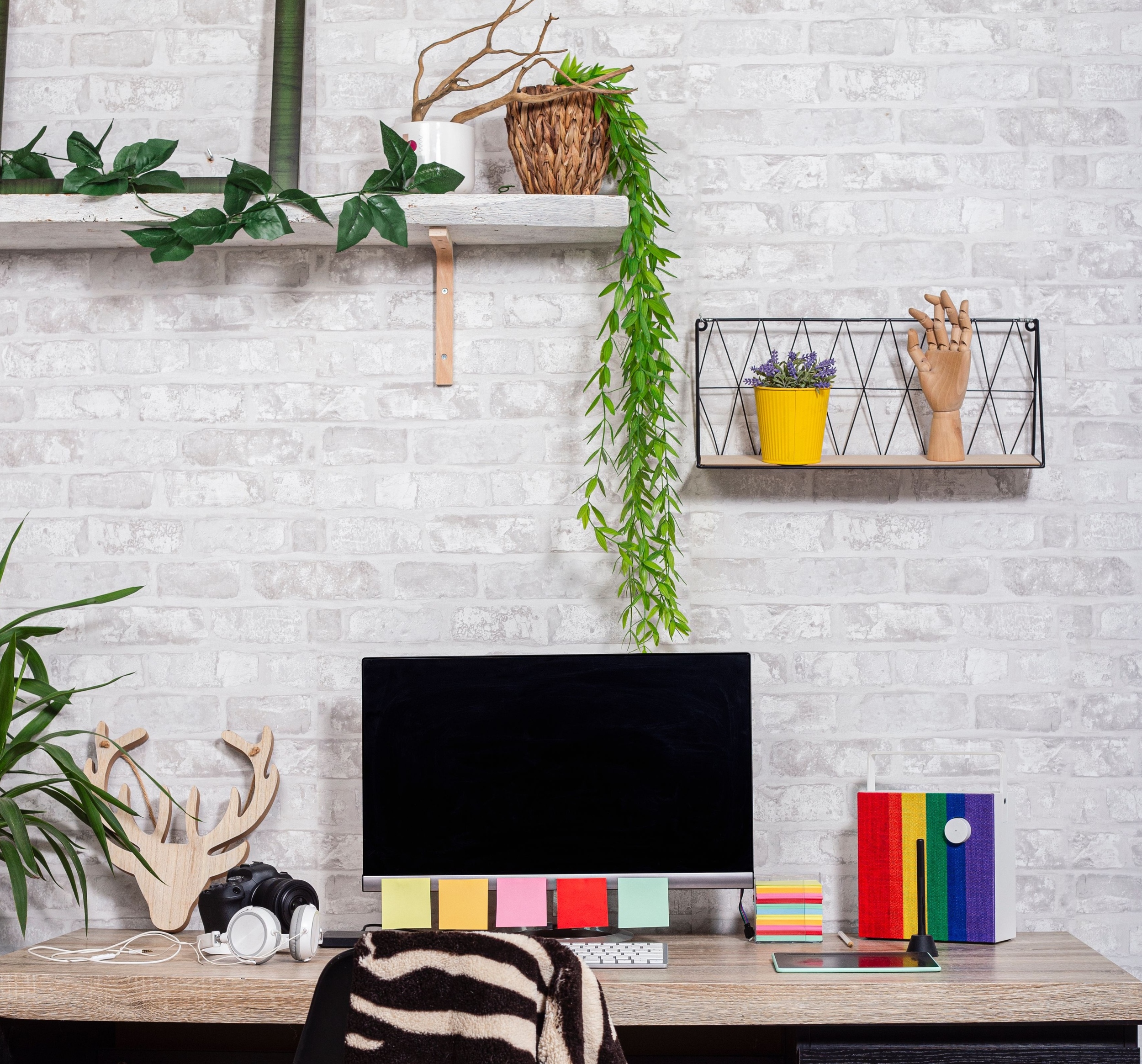
Don’t forget the final, but a fun step, which is making the space yours. Own it, nurture it so that you feel comfortable and productive in that environment. A workspace should be more than functional, it should spark joy and motivation. Think motivational quotes, your favorite artwork, or a splash of color that lifts your mood. These small touches can make a big difference in how energized and focused you feel. Personalizing your space is a powerful way to setup a perfect home office that inspires creativity and drive every day.
- An indoor plant or two to freshen up the vibe. It helps you feel refreshed and calm
- Motivational art, calming color schemes, or minimalist design, anything that aligns with your personality and preferences
- Ambient lighting or a stylish lamp for mood and flair
- If you are a collector of figurines, you can also put your favorite ones to make it more fun
The more you enjoy your surroundings, the more time you’ll want to spend there, and the easier it becomes to stay productive.
A well-designed workspace not only boosts motivation but also helps maintain a clear boundary between work and personal life. Add elements that reflect your personality—art, plants, or inspiring quotes—to make the space uniquely yours. Keep it tidy and clutter-free to encourage focus and clarity. When you set up a perfect home office, you create a space that supports both your professional goals and personal comfort. Taking the time to set up a perfect home office can transform how you feel about work every single day.

8. Maintain Work-Life Balance While You Set Up a Perfect Home Office
When you set up a perfect home office, it’s easy to blur the lines between work hours and personal time. To maintain balance, create a routine that signals the start and end of your workday. Simple actions like shutting down your computer, changing your clothes, or stepping outside for a walk can help you mentally disconnect from work and recharge effectively.
9. Revisit and Refresh Your Setup Regularly to Set Up a Perfect Home Office
Your needs and work habits will evolve, so regularly evaluating your setup ensures it still serves you well. Rearranging furniture, updating equipment, or even changing your wall art can reignite motivation. When you set up a perfect home office and revisit it often, you keep your workspace dynamic, efficient, and aligned with your goals.
10. Prioritize Health and Wellness as You Set Up a Perfect Home Office
While you set up a perfect home office, don’t overlook your physical and mental health. Incorporate habits like stretching, standing breaks, and staying hydrated. You can also keep a yoga mat nearby or use a balance ball chair occasionally to keep your body active and your posture in check throughout the day.
11. Budget-Friendly Ways to Set Up a Perfect Home Office
You don’t need to break the bank to set up a perfect home office. Look for second-hand furniture, repurpose items you already own, and gradually upgrade your space over time. Focus on essentials first, like a good chair and lighting, then add in accessories and decor as your budget allows.
Final Thoughts On Set Up a Perfect Home Office
There you have it, a blueprint to set up a perfect home office that’s functional, inspiring, and productivity-ready.
From optimizing ergonomics and lighting to managing tech and keeping distractions in check, each detail plays a role in building the best home office setup for productivity.
Ready to revamp your space? Start with one tip and build up over time. And if this guide helped you, feel free to share it with your fellow remote warriors. This is just a foundation for you to think and start. I am sure you can enhance it further by adding additional things.
Remember, the goal is to create a space that works for you—one that supports your workflow, boosts focus, and feels good to be in. Don’t hesitate to tweak and personalize as you go. Whether you have a whole room or just a corner, you can set up a perfect home office tailored to your needs. With consistency and creativity, you’ll find it easy to set up a perfect home office that truly elevates your work-from-home experience.
Subscribe to WhatWorksNext today and join a community dedicated to transforming the way we work. Working smarter starts here!